
Recent Posts
Link
| 일 | 월 | 화 | 수 | 목 | 금 | 토 |
|---|---|---|---|---|---|---|
| 1 | 2 | 3 | 4 | 5 | 6 | 7 |
| 8 | 9 | 10 | 11 | 12 | 13 | 14 |
| 15 | 16 | 17 | 18 | 19 | 20 | 21 |
| 22 | 23 | 24 | 25 | 26 | 27 | 28 |
Tags
- java
- dynamics 365 f&o
- dynamic365f=
- xpp
- dynamic365
- X++
- 자바오류
- Case
- Eclipse
- Programmers
- OracleDB
- Dynamics
- Round
- d365 f&o
- d365
- Report
- PCCE
- SSRS
- Dynamics365
- d365 f&o #Dynamic365
- SQL
- TO_CHAR
- f&o
Archives
레트로코딩토끼토끼
D365_VisualStudio | NumberSeq, Form 스타일 지정, Lookup, MessageBox 본문
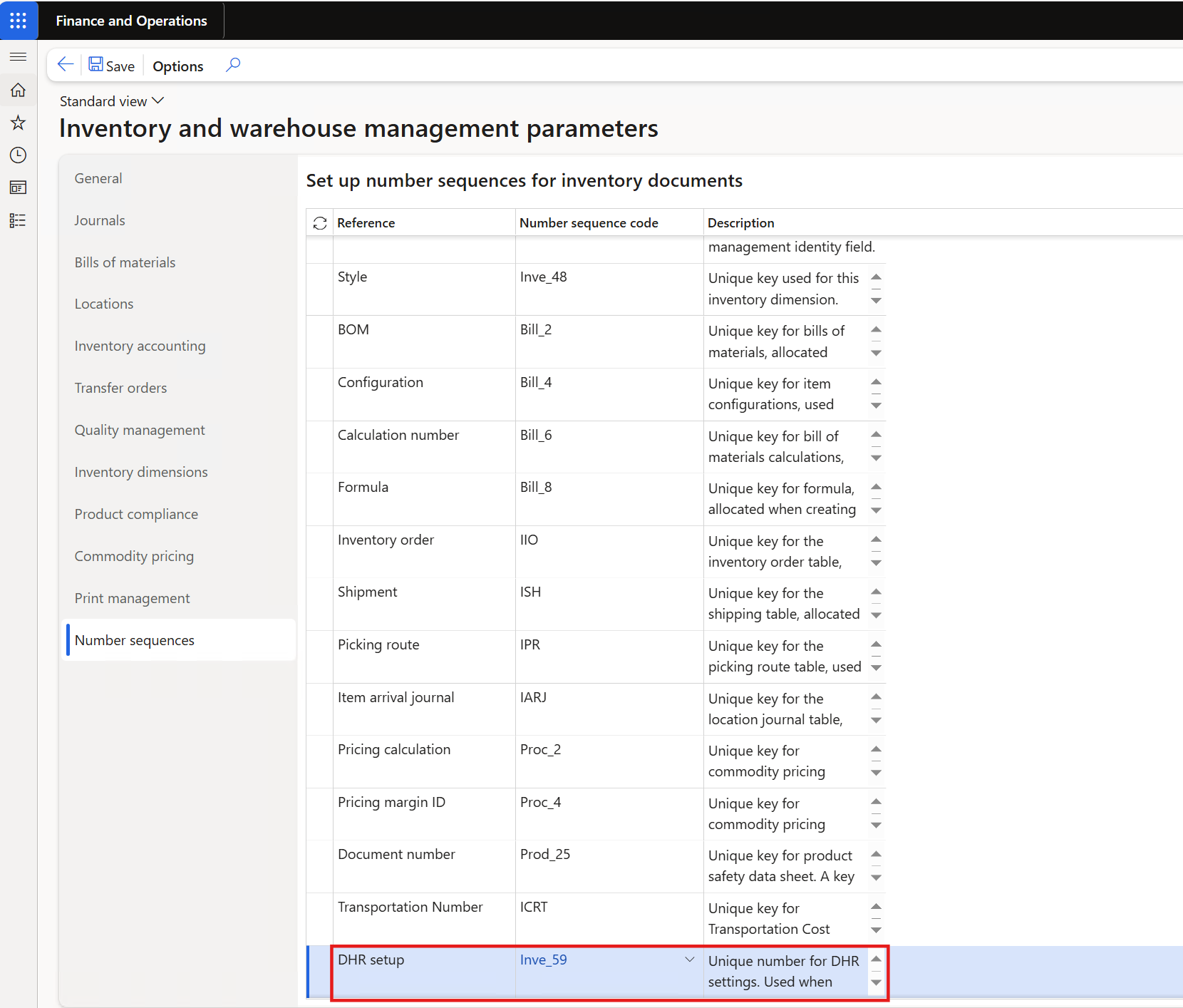
1. 'DHR' 설정 일련번호 추가
Inventory management > Setup > Inventory and warehouse management parameters
○ Runnable class
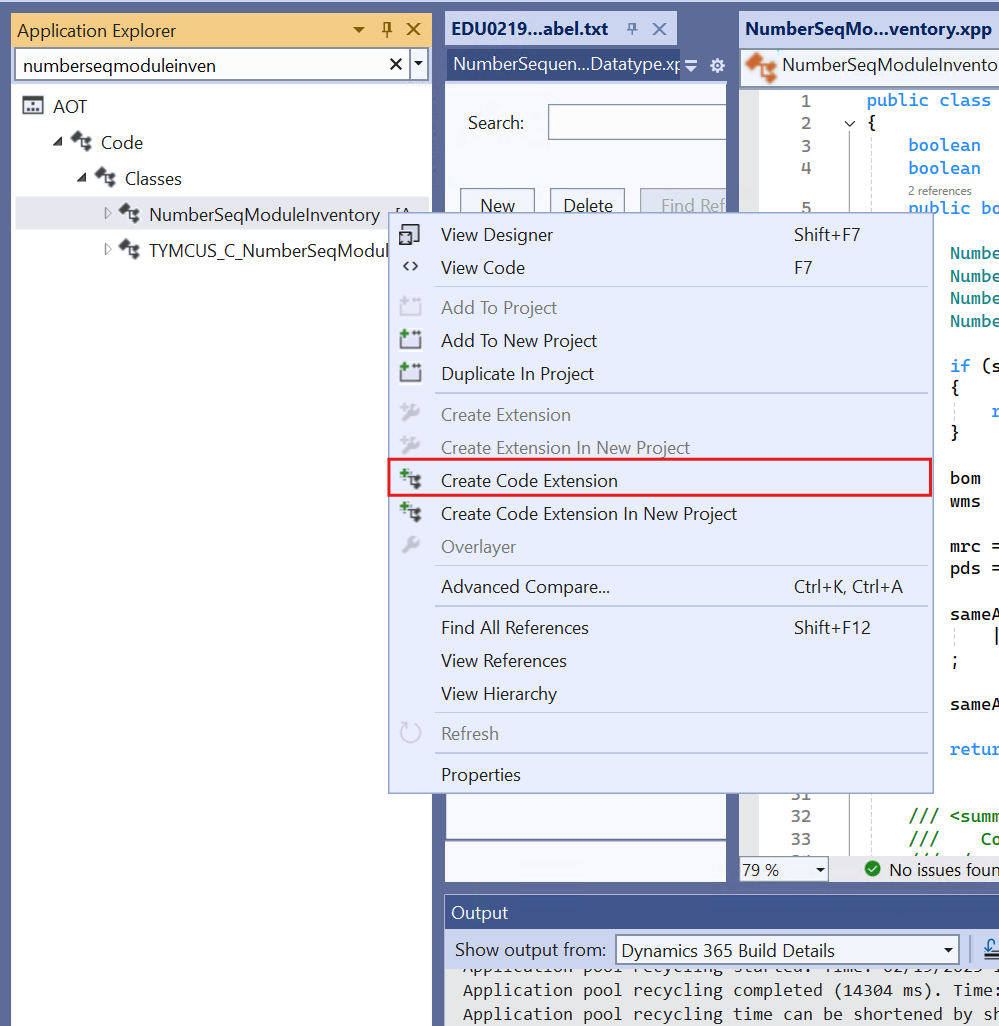
○ NumberSeqModuleInventory Class_Extension
○ InventParameters Class_Extension
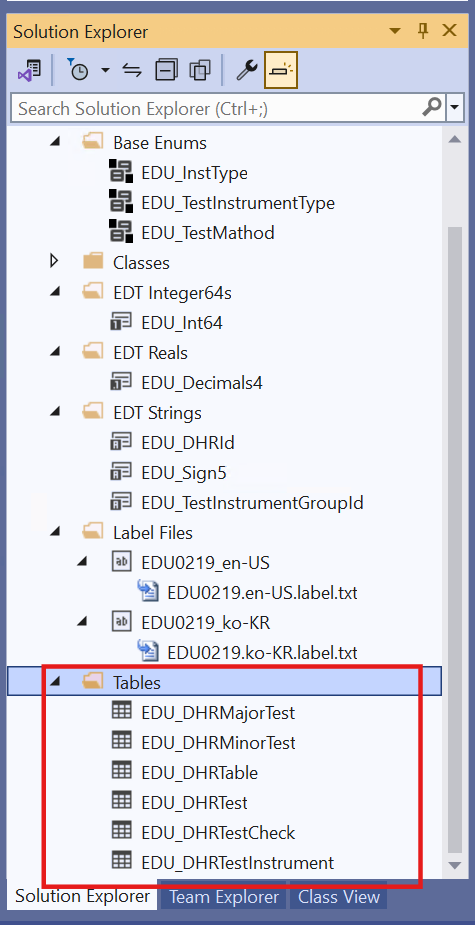
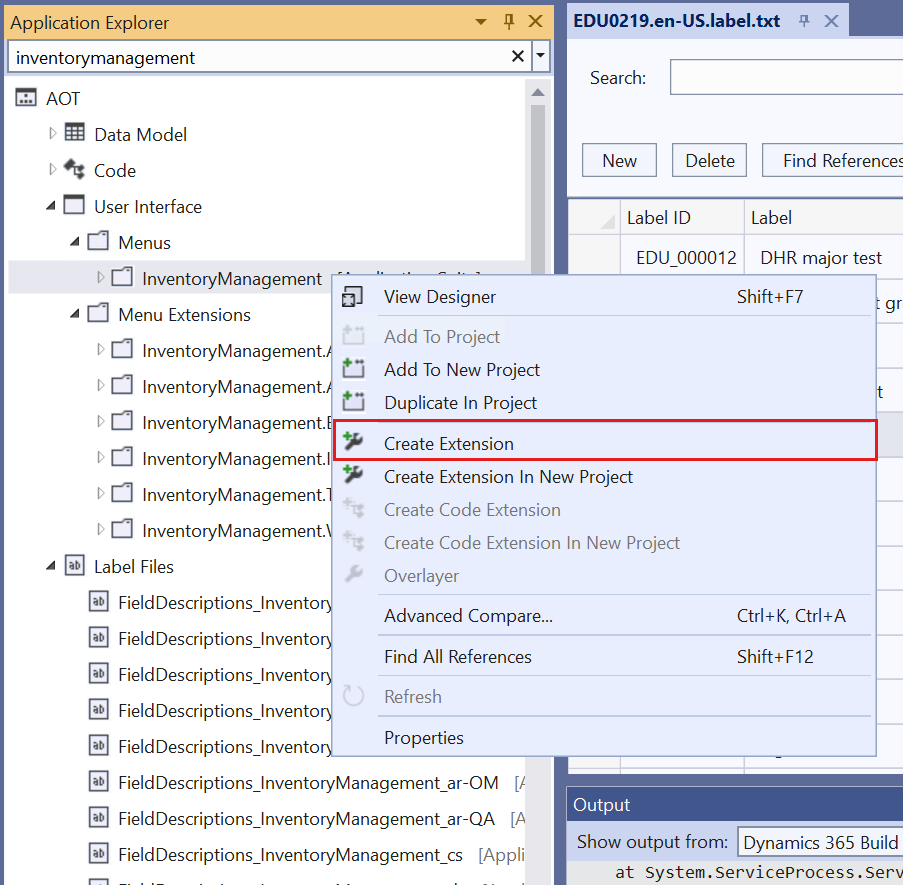
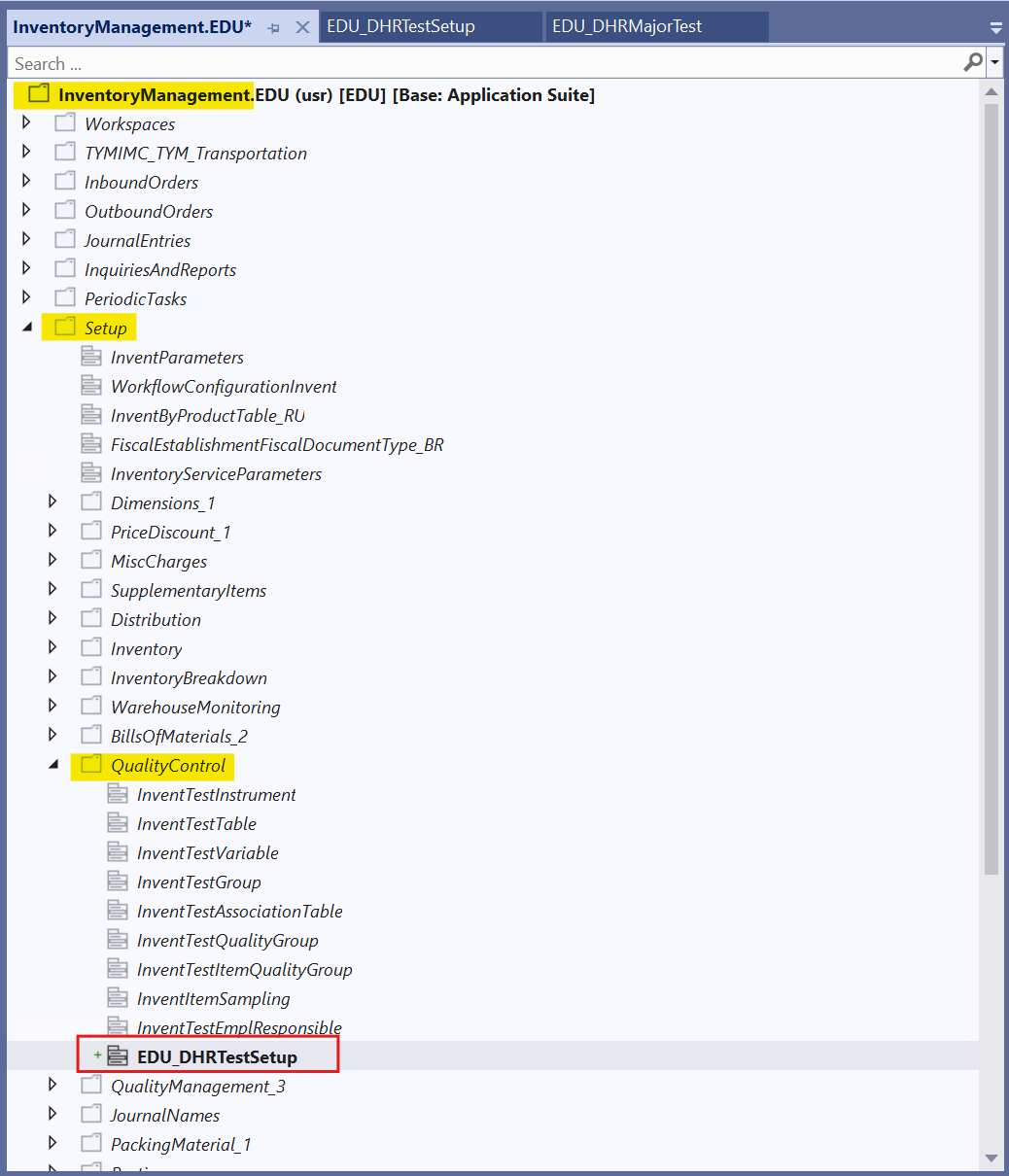
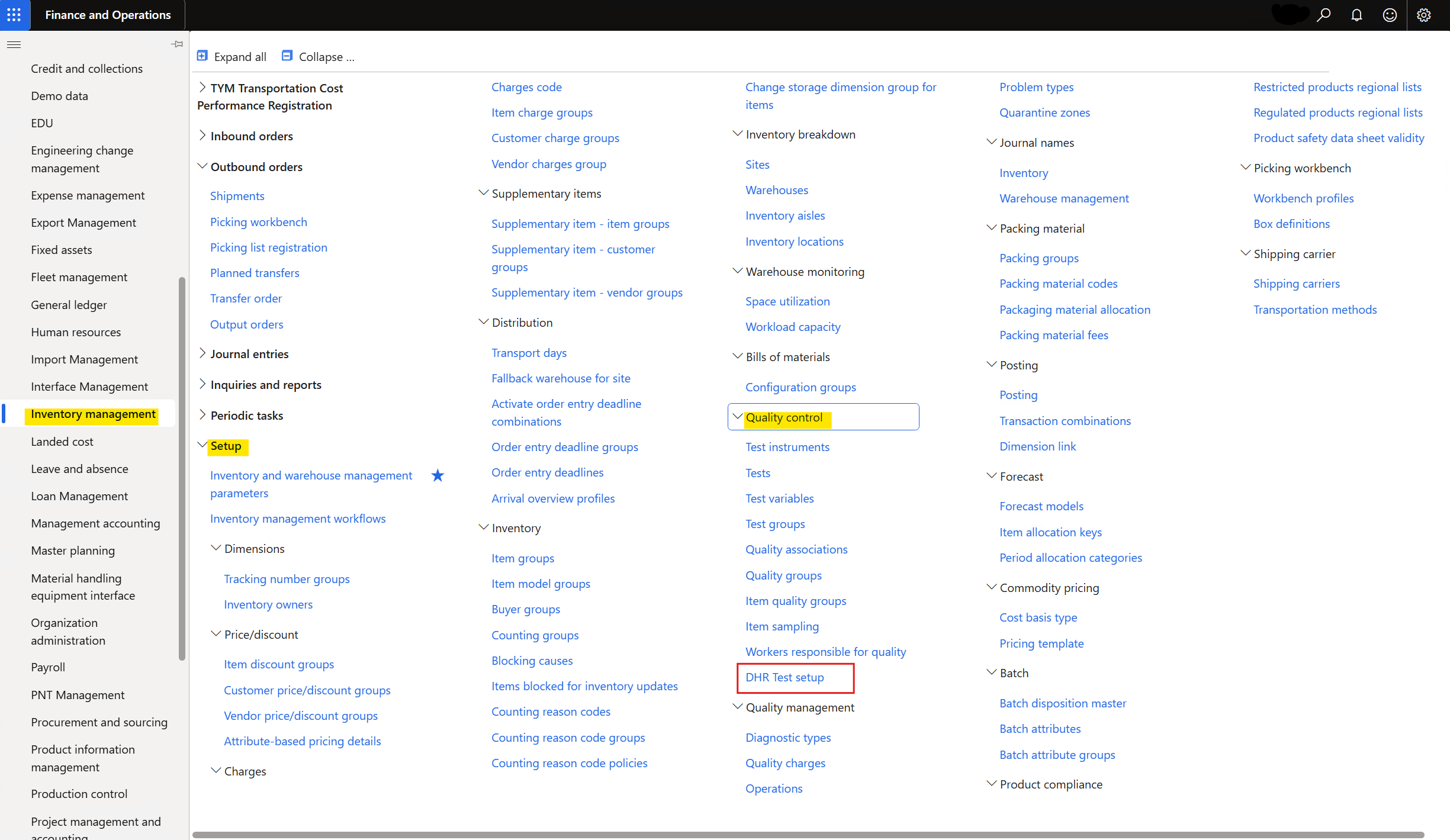
2. 'DHR' 을 품목별로 설정하고, 각 세부사항을 설정하는 화면 생성
Inventory management > Setup > Quality control > DHR Test setup
1. DHR 설정 일련번호
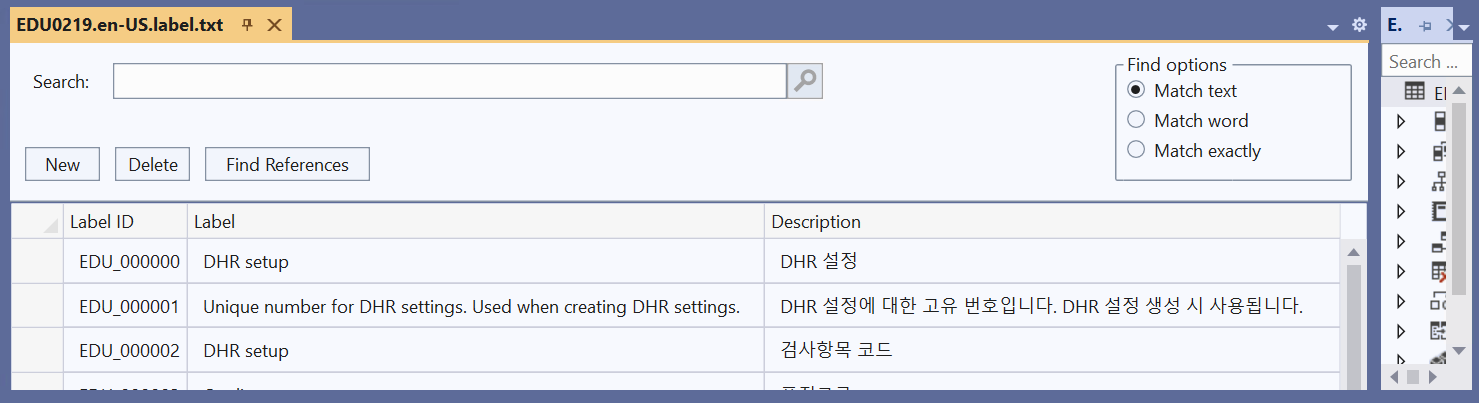
- Label 파일을 추가하여 Number Sequence 지정 시, Reference와 Description이 될 Label을 저장
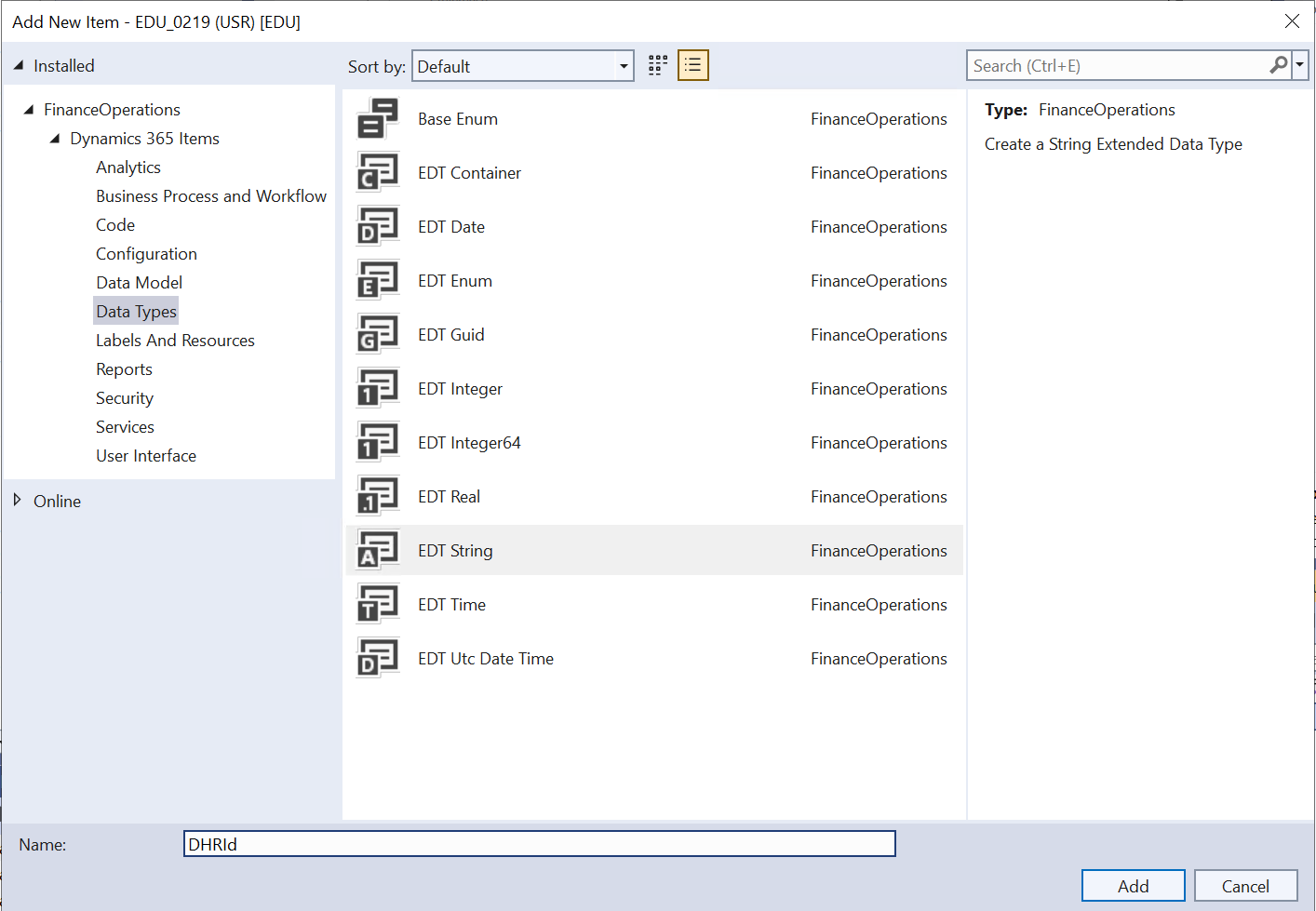
- 일련번호 'DHR' Model을 추가
Runnable Class - loadModule() 실행
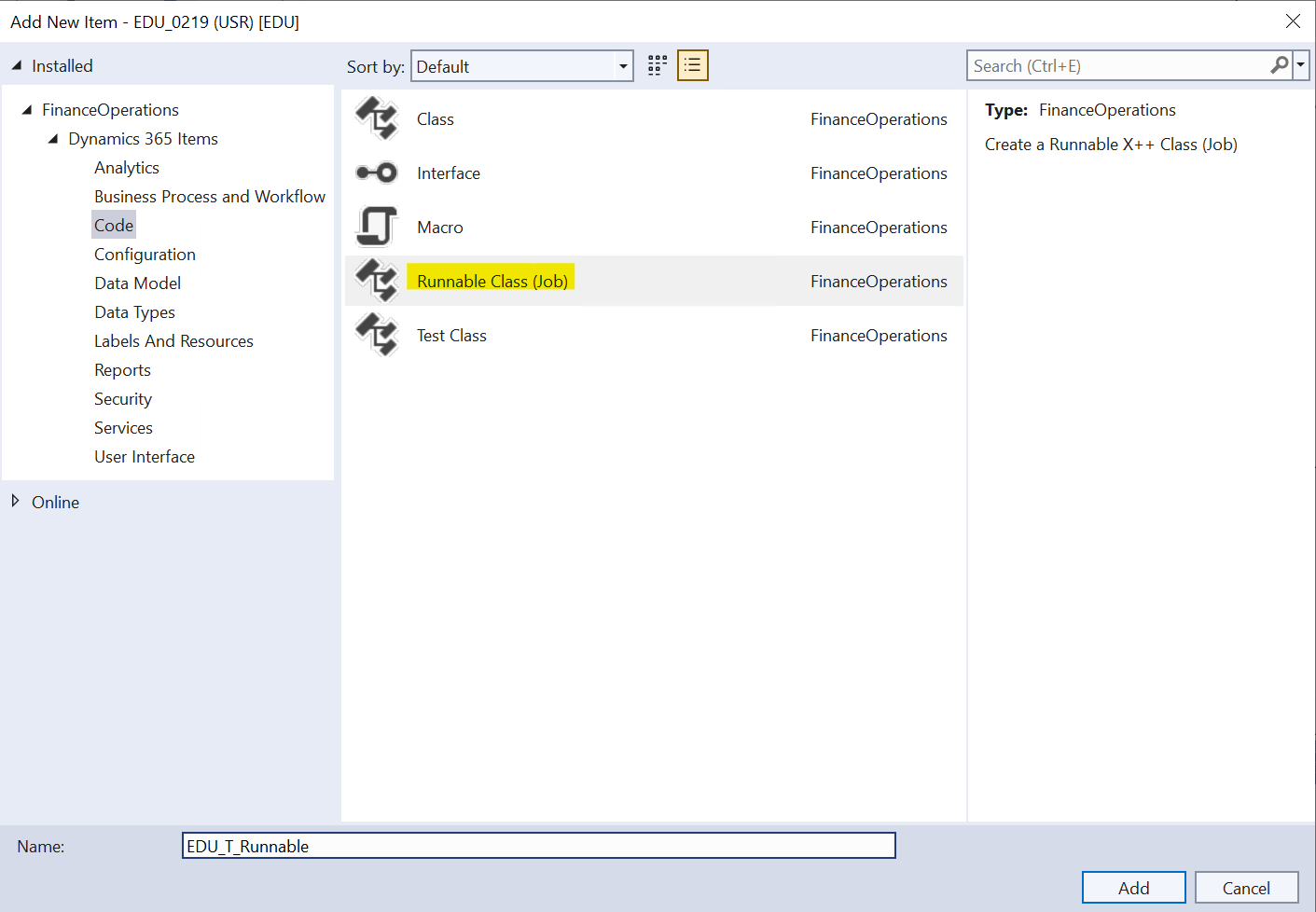
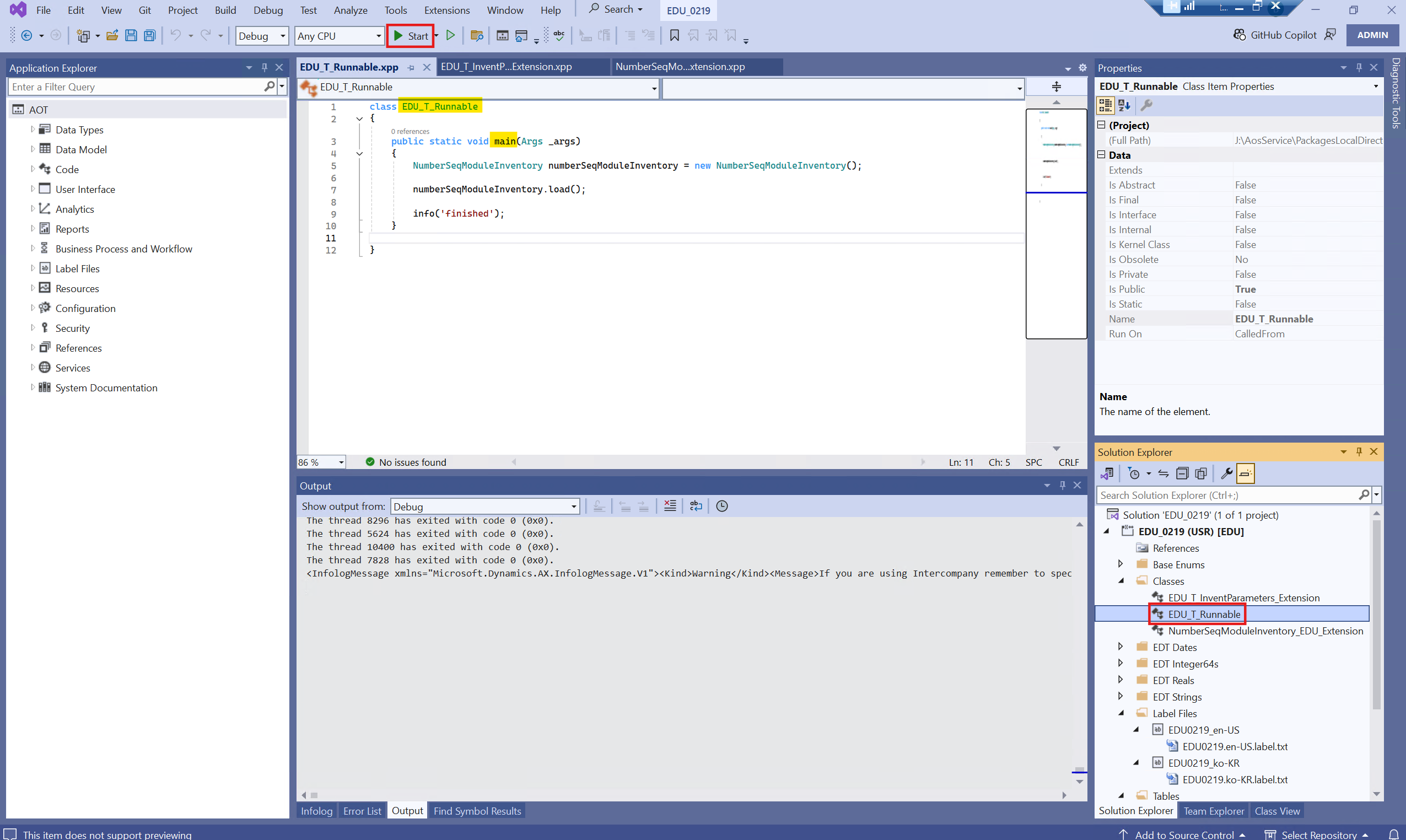
- main() Method를 실행
- loadModule() 호출 -> Number Sequence를 등록 및 로드
NumberSeqModuleInventory Class Extension - EDU_DHRId 시퀀스 생성
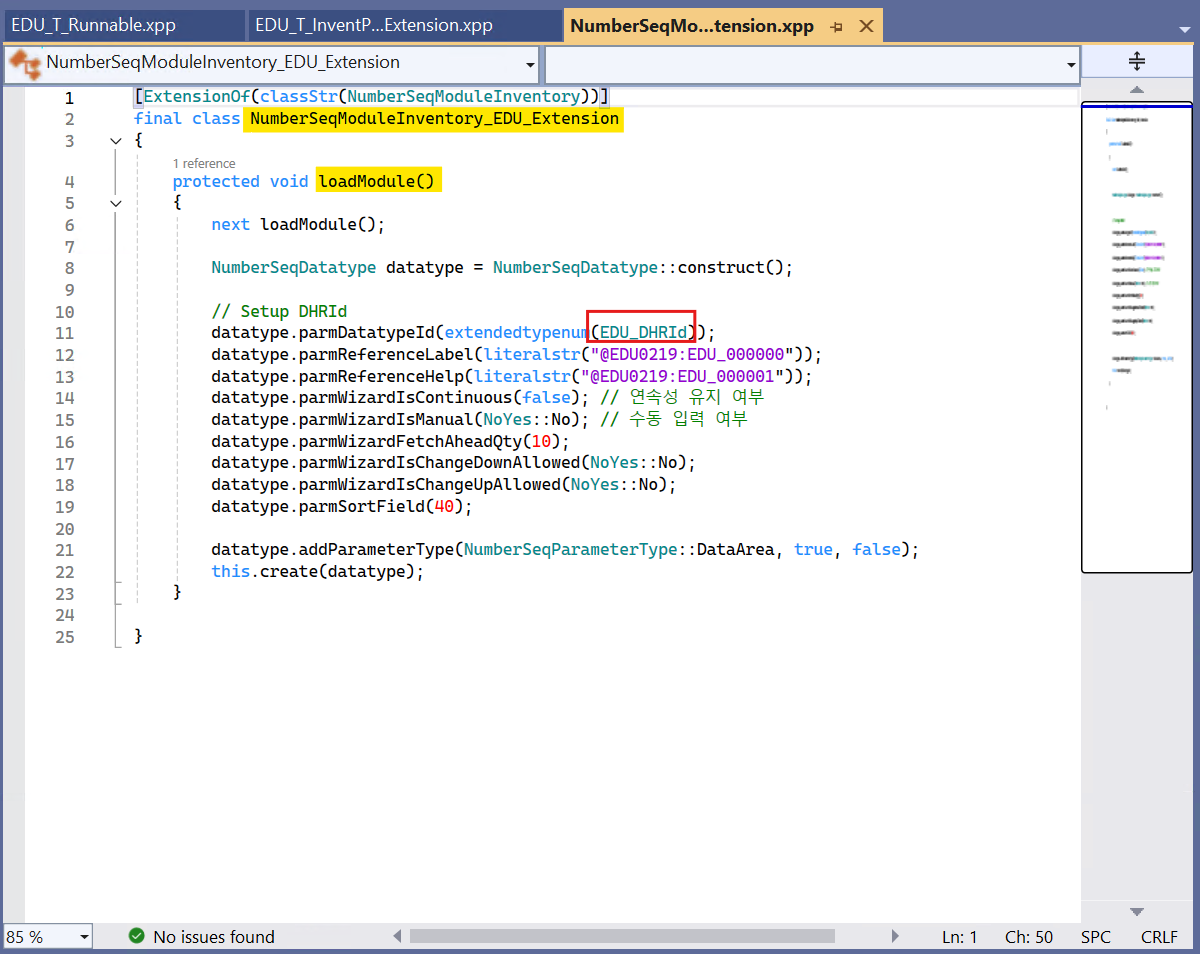
- 기존 Inventory 모듈 로드
- Inventory 모듈에 대한 Number Sequence를 추가
- NumberSeqParameterType::DataArea -> 회사별로 NumberSeq 생성하여 관리
- NumberSeqModuleInventory.load()가 실행될 때, 내부적으로 loadModule()이 호출
InventParameters Class Extension
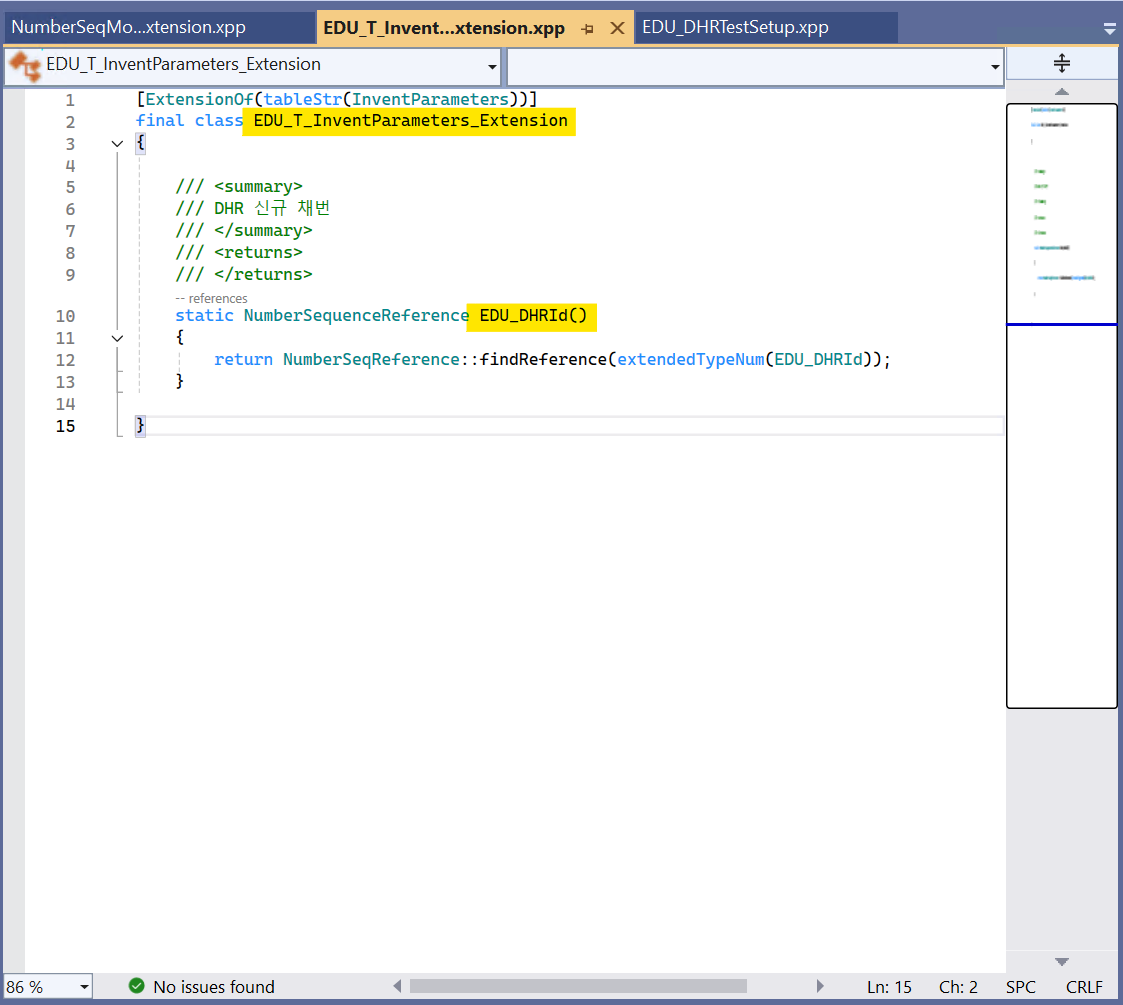
- EDU_DHRId 생성 시, 자동 채번
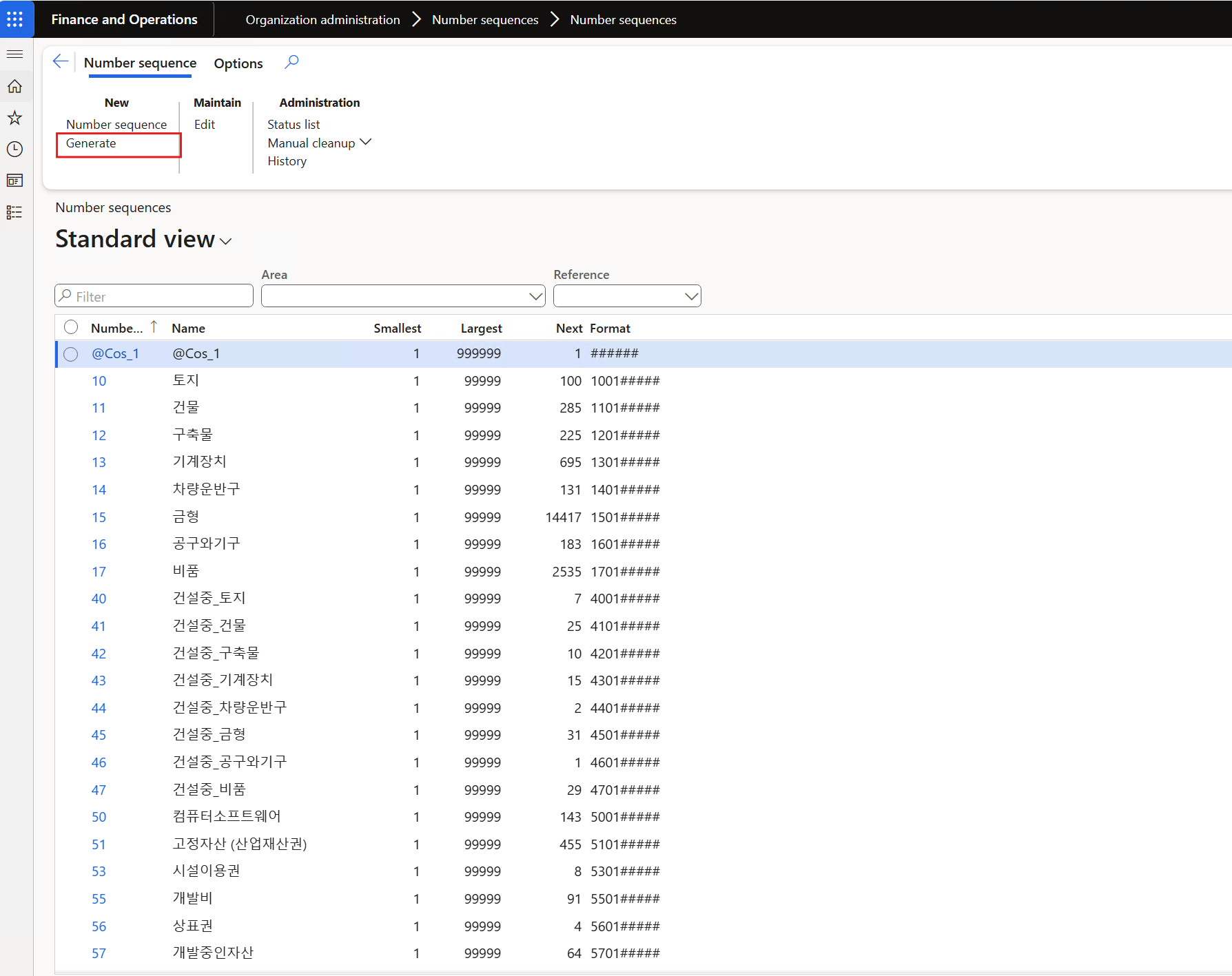
Result
2. DHR 검사기준 Form
Inventory management > Setup > Quality control > DHR Test setup
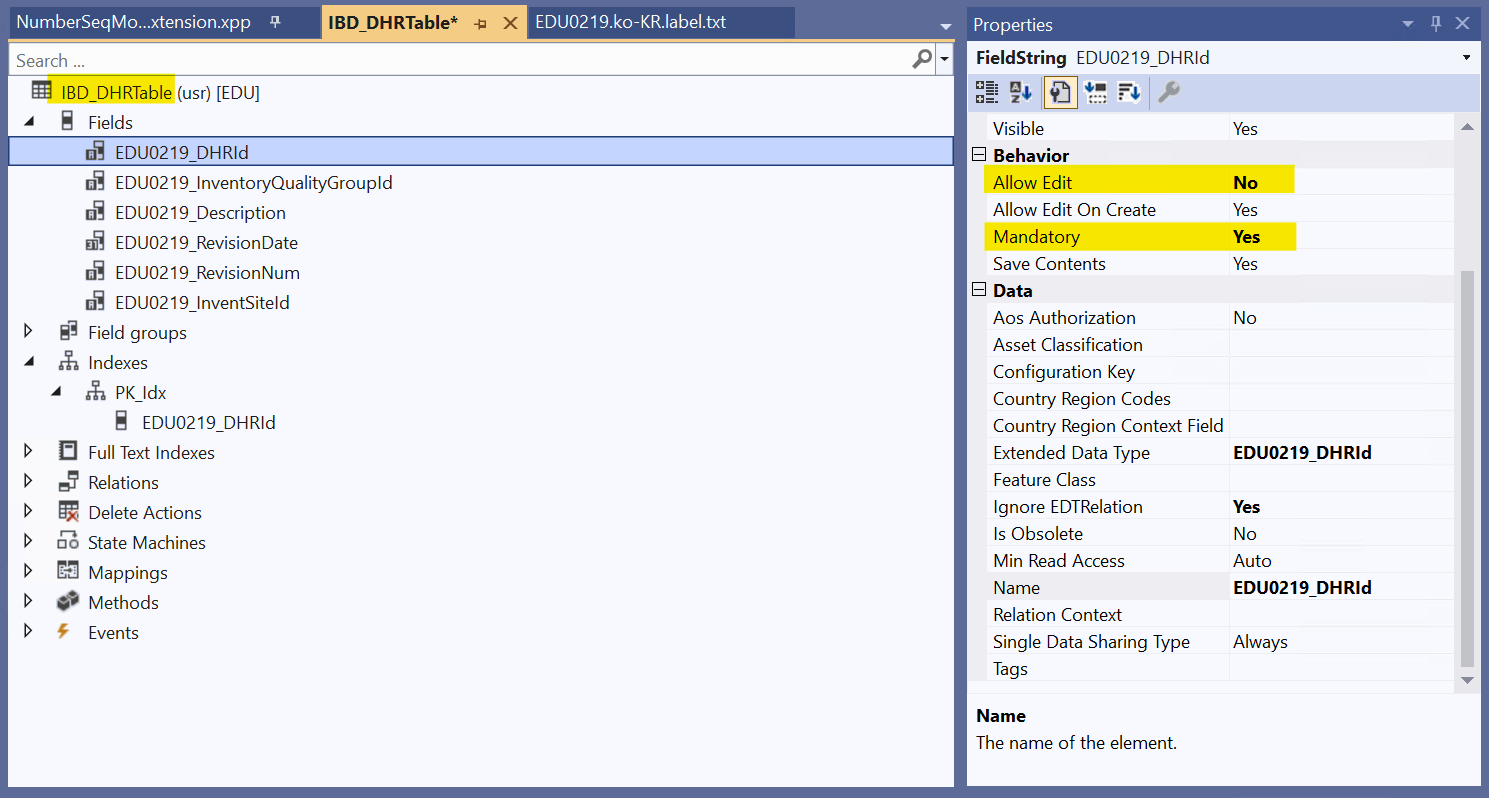
- Mandatory -> 필수 입력 설정
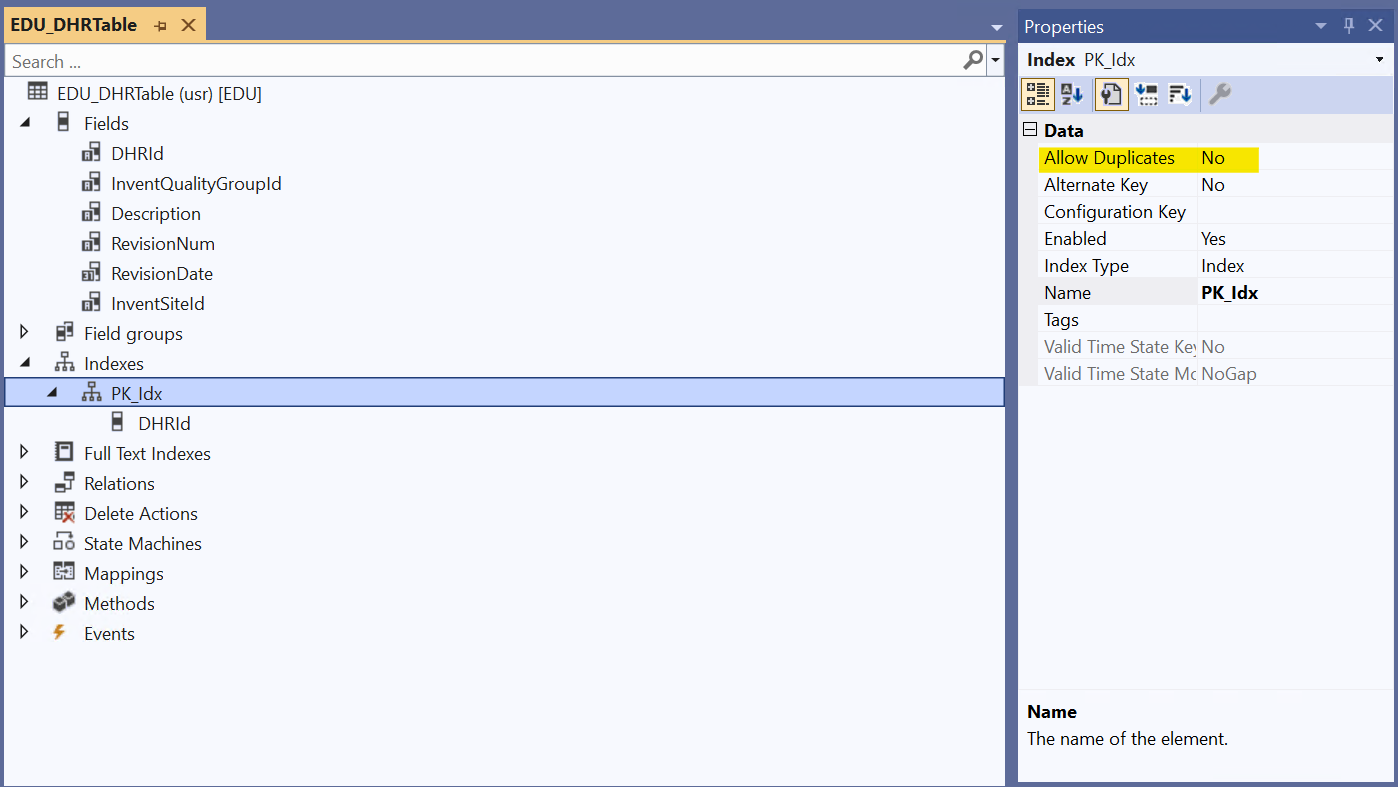
- PK_Idx 속성의 Allow Duplicates 'No' -> Unique Index 설정
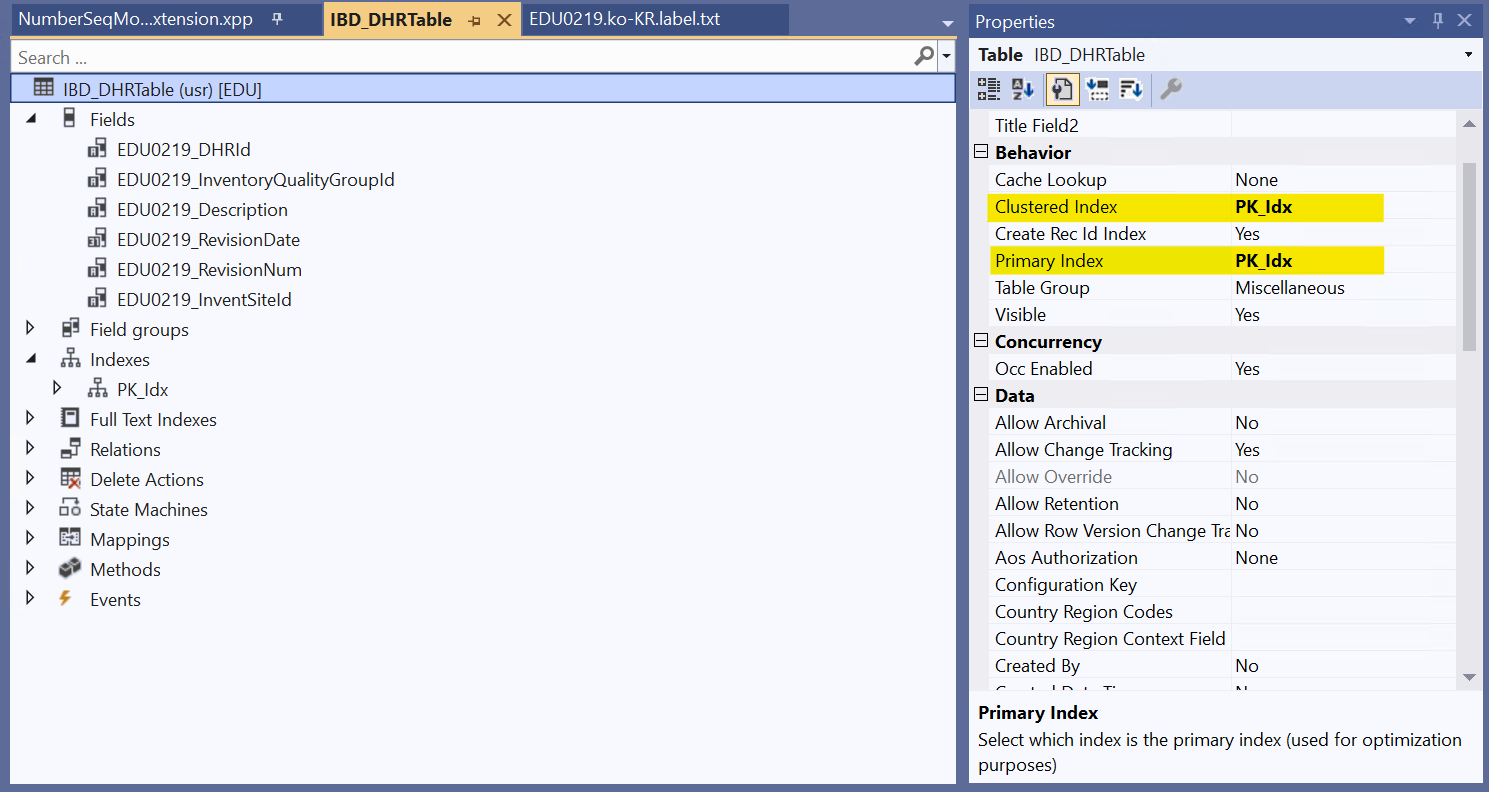
- Clustered Index 'PK_idx' -> 정렬 순서 지정
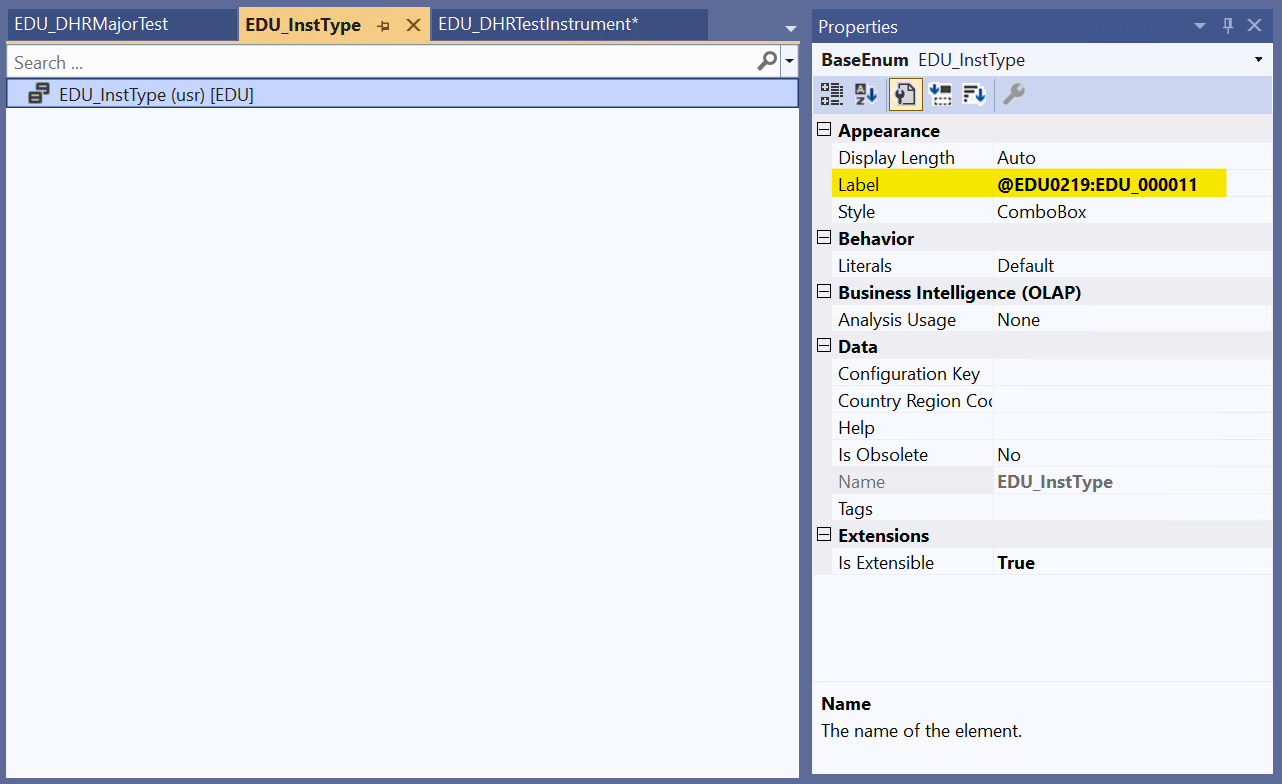
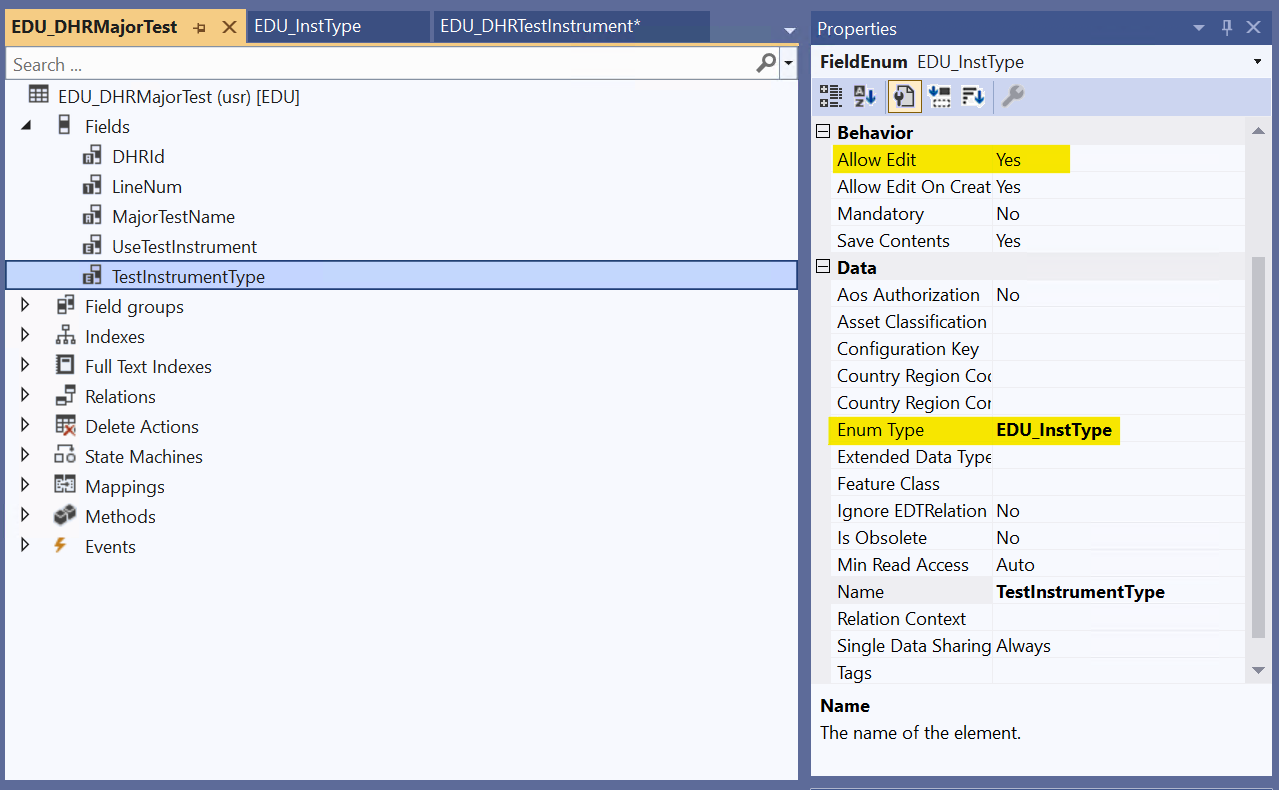
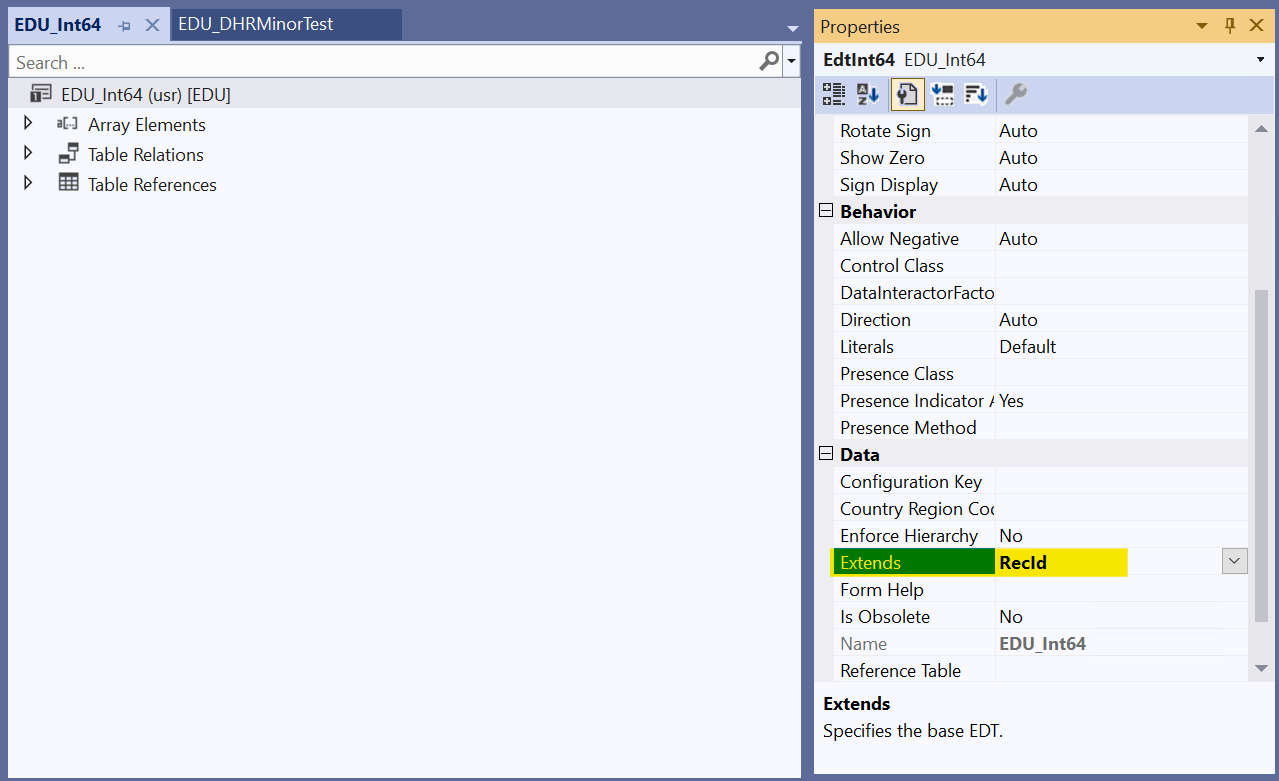
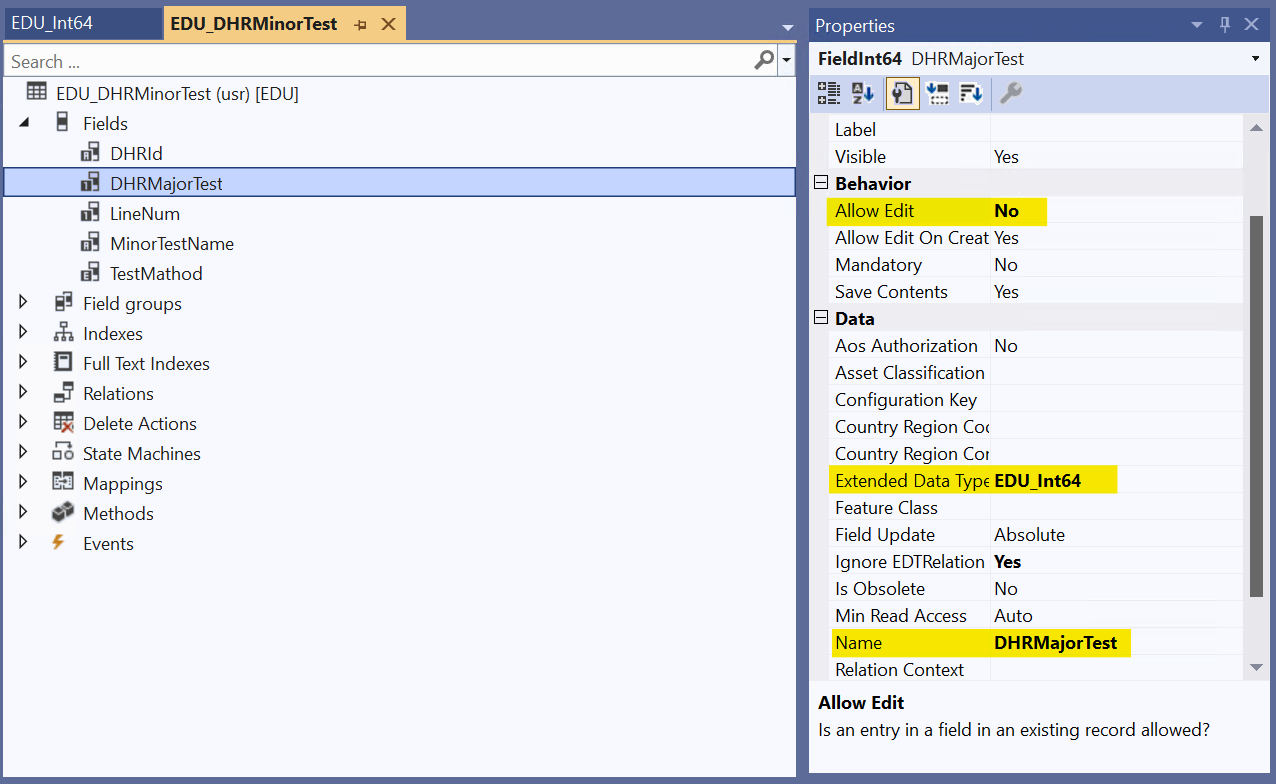
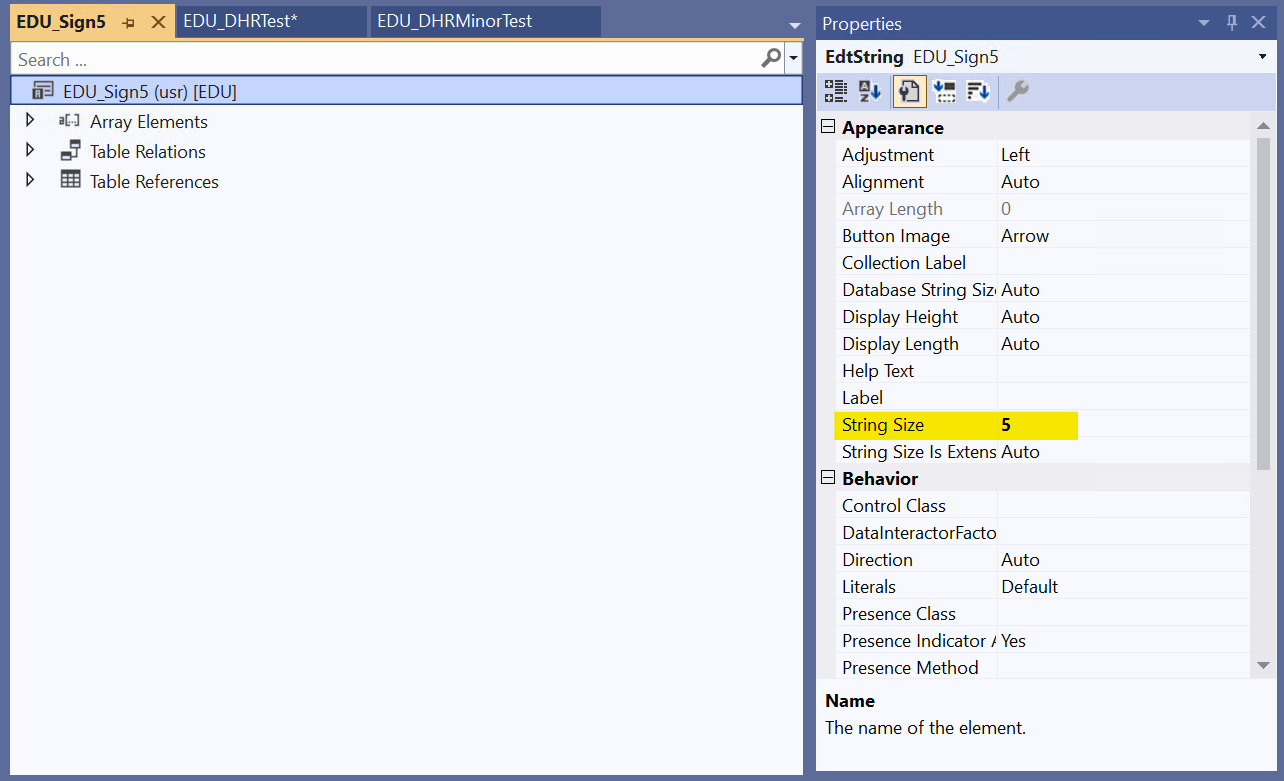
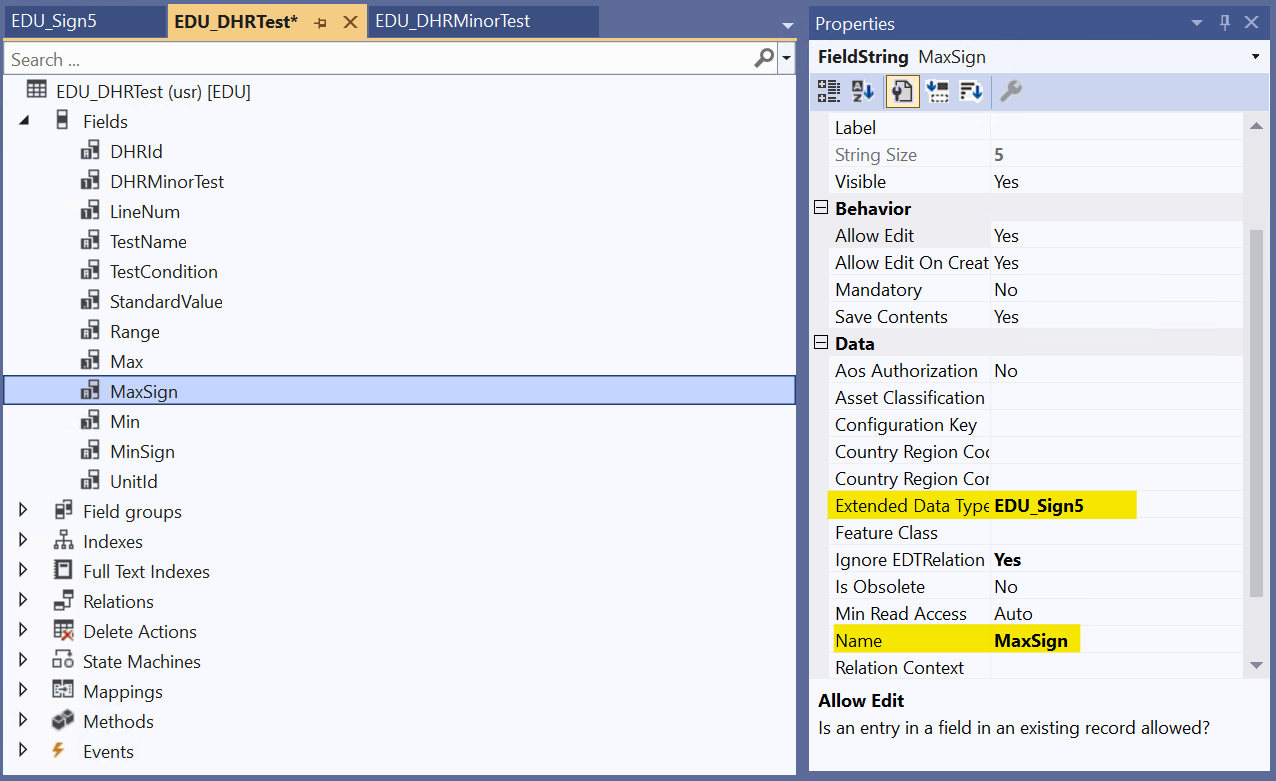
Table에서 Extends Model
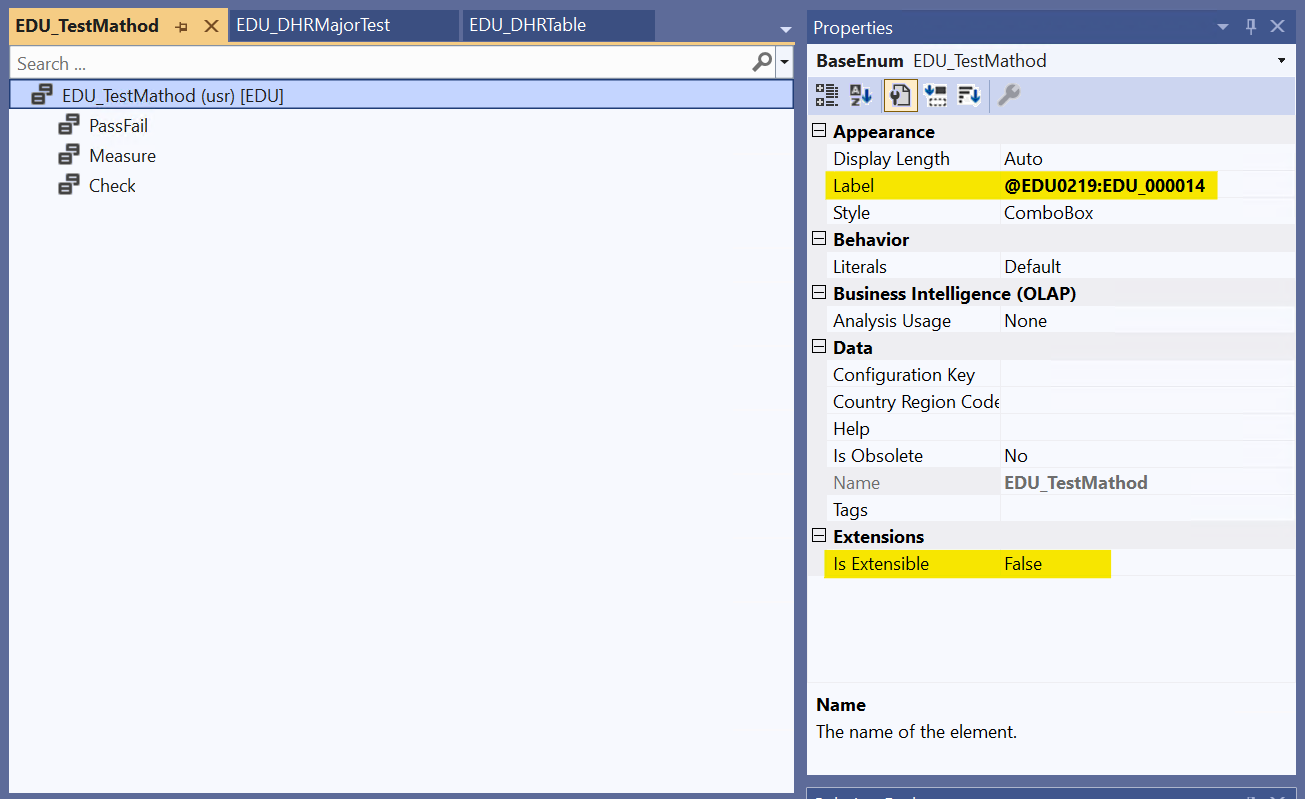
1) Type별 Model 생성
2) Table에서 Field 추가 > Enum Type, Extended Data Type 지정
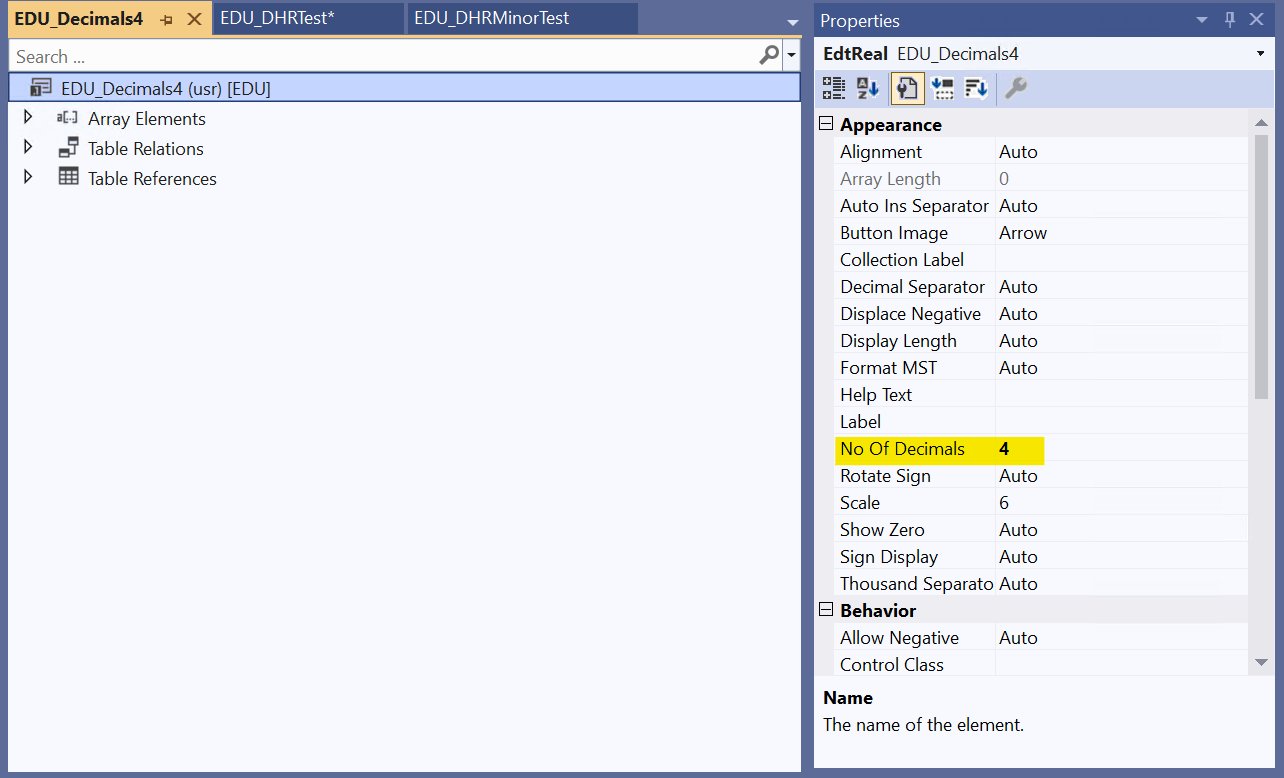
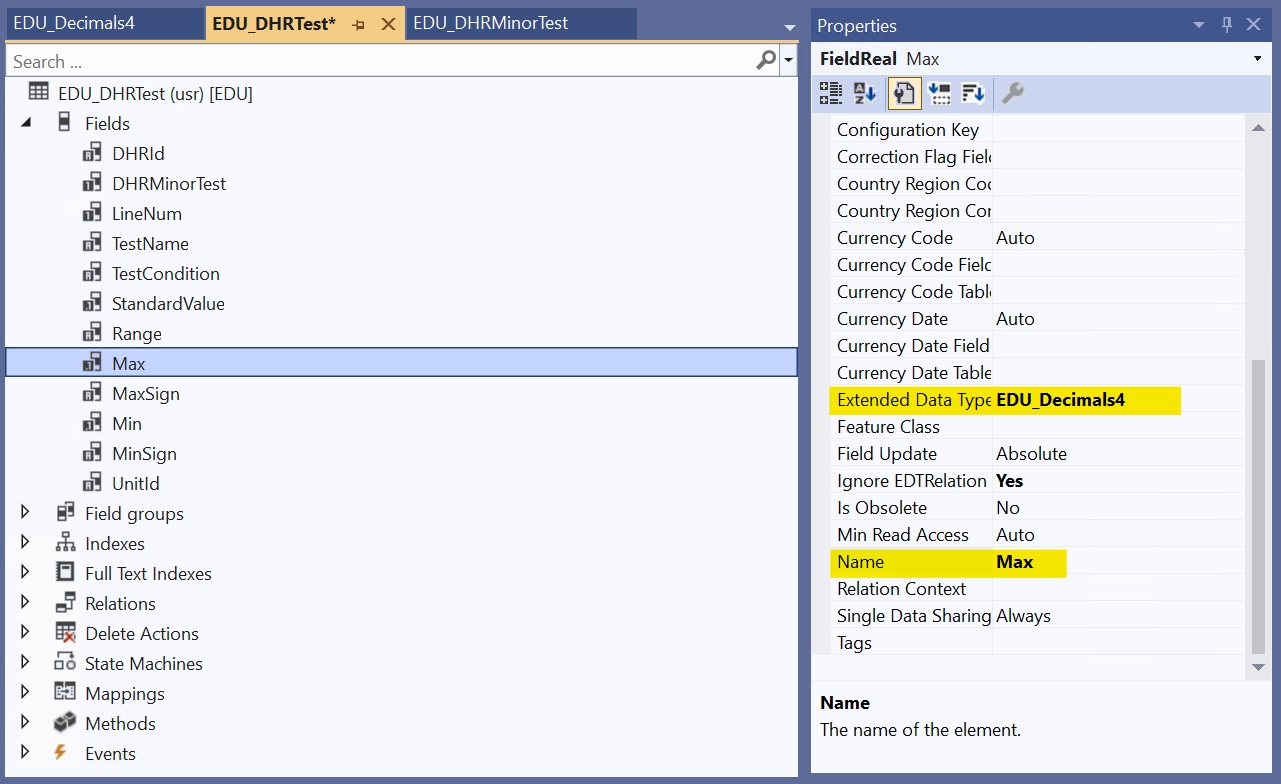
Form
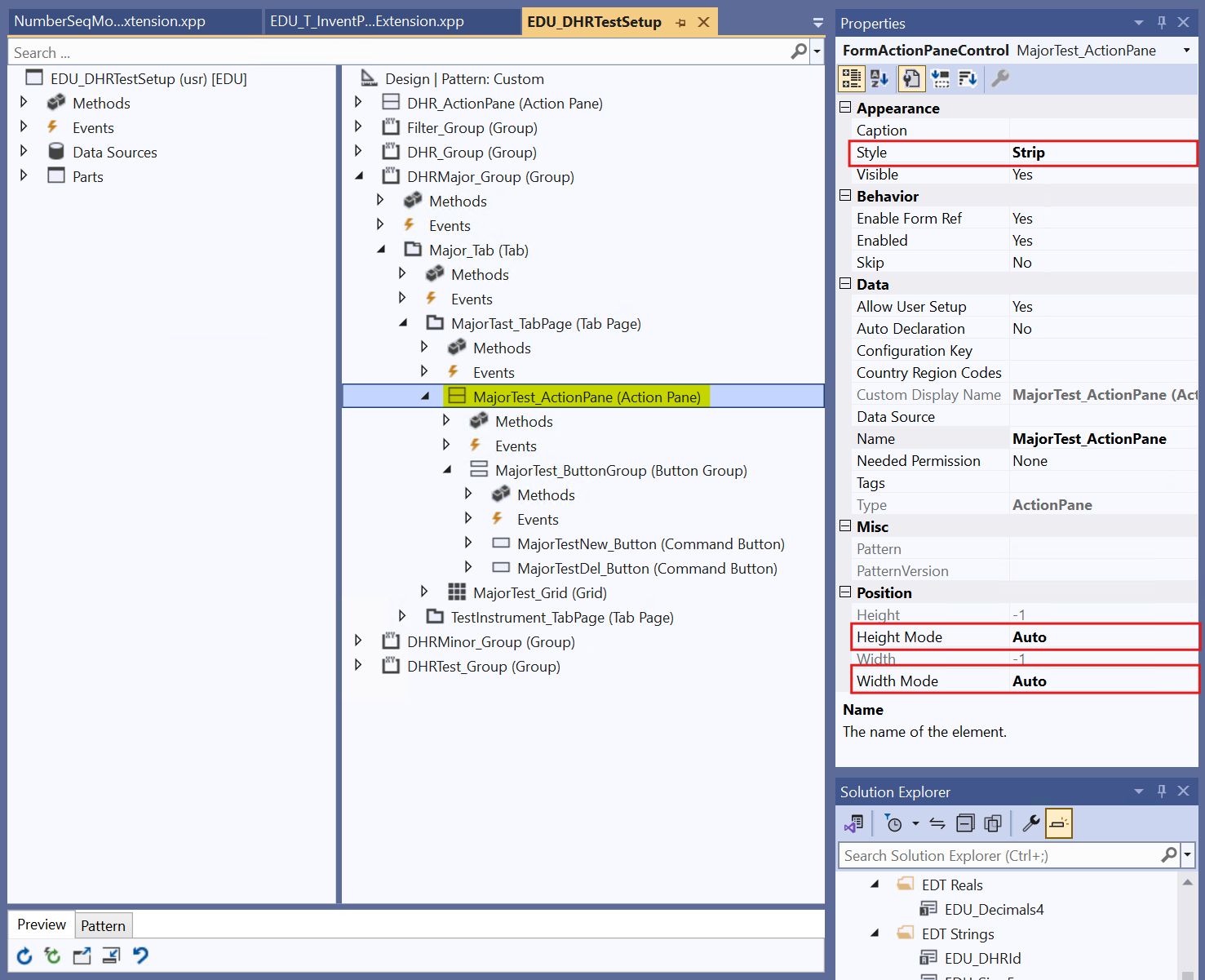
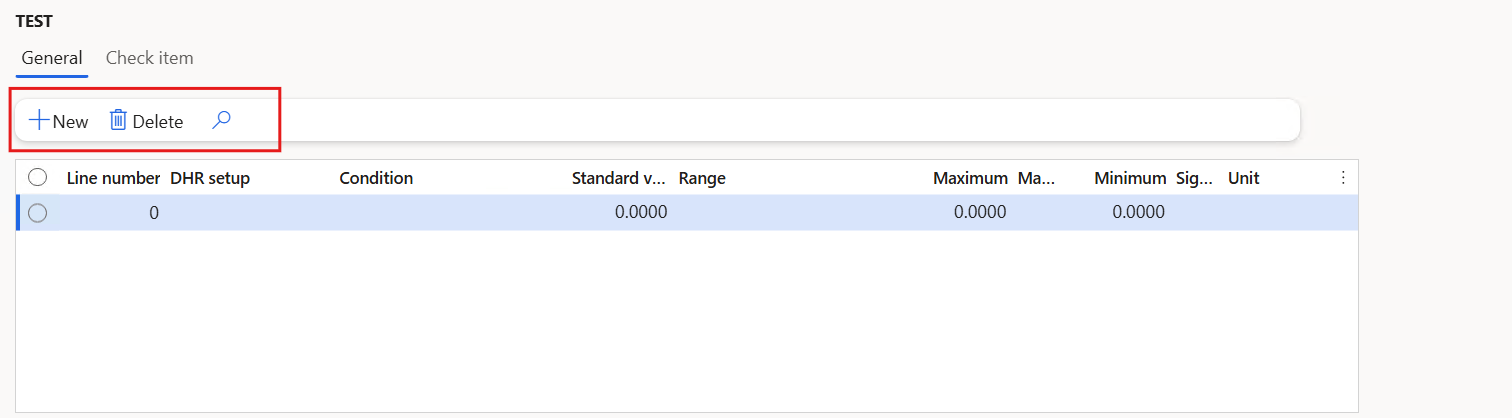
- Style 'Strip' -> 수평 배치
- Height/Width Mode 'Auto' -> 컨텐츠 크기 자동 조절(잘림 효과 방지)

Lookup
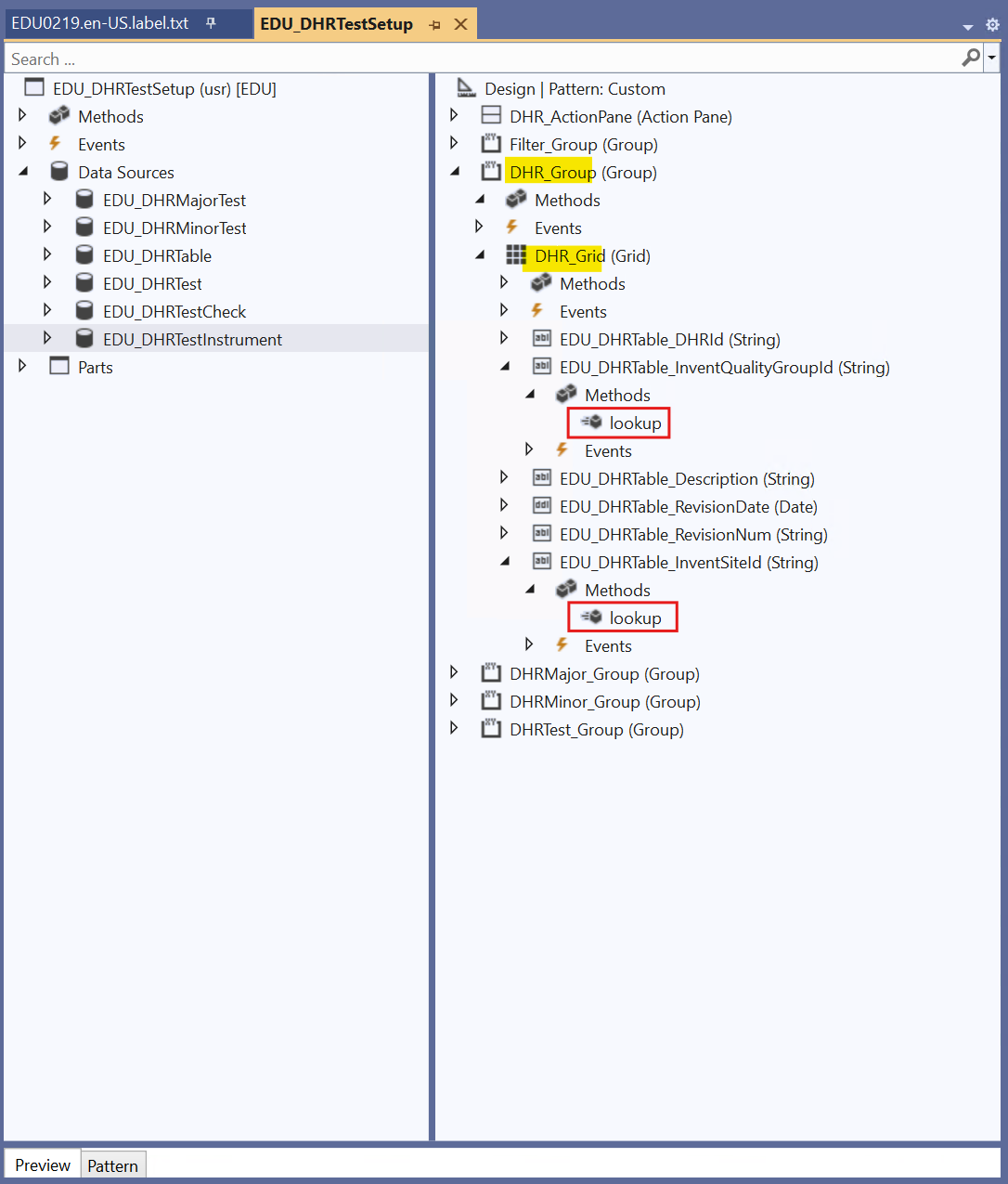
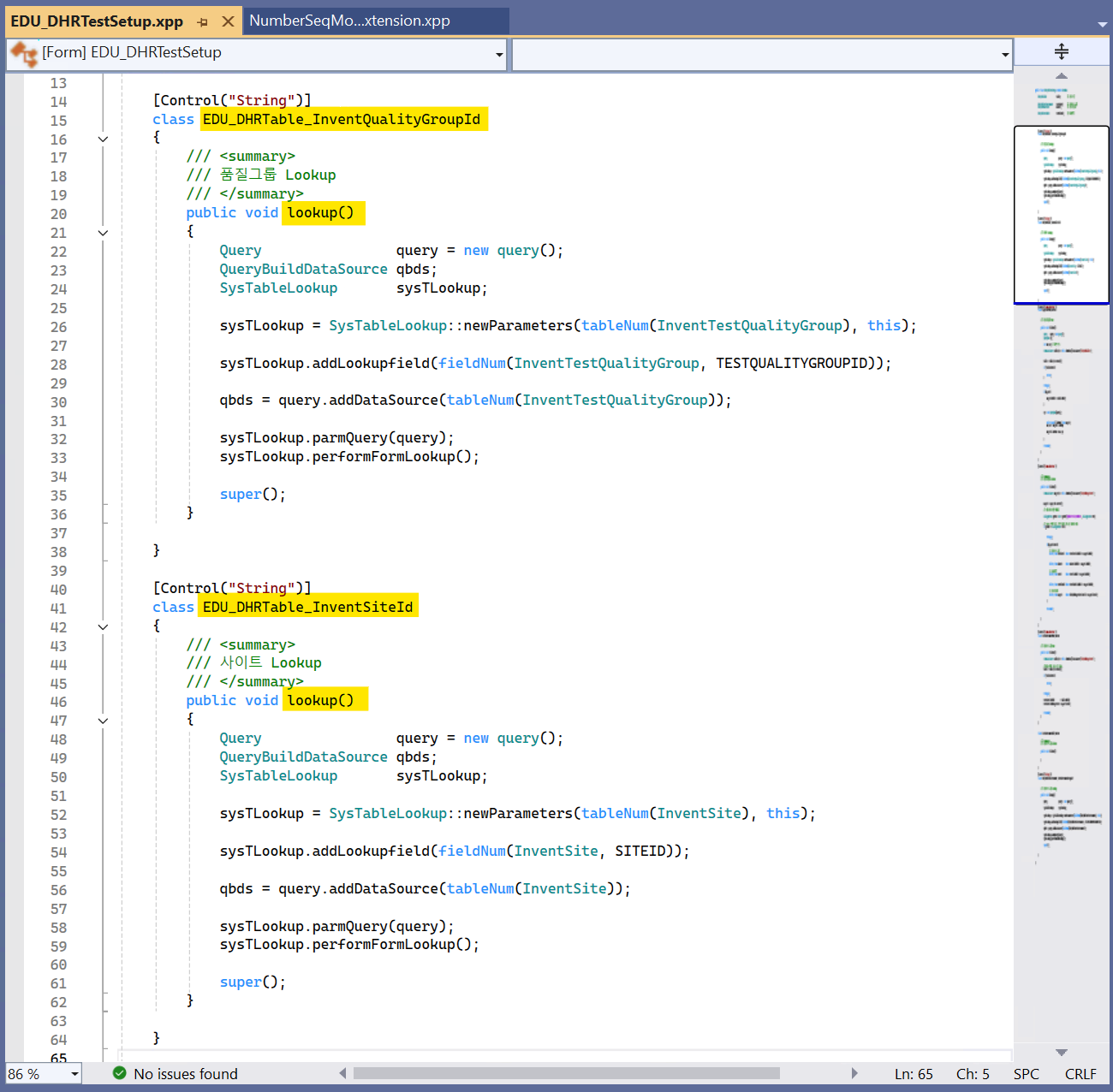
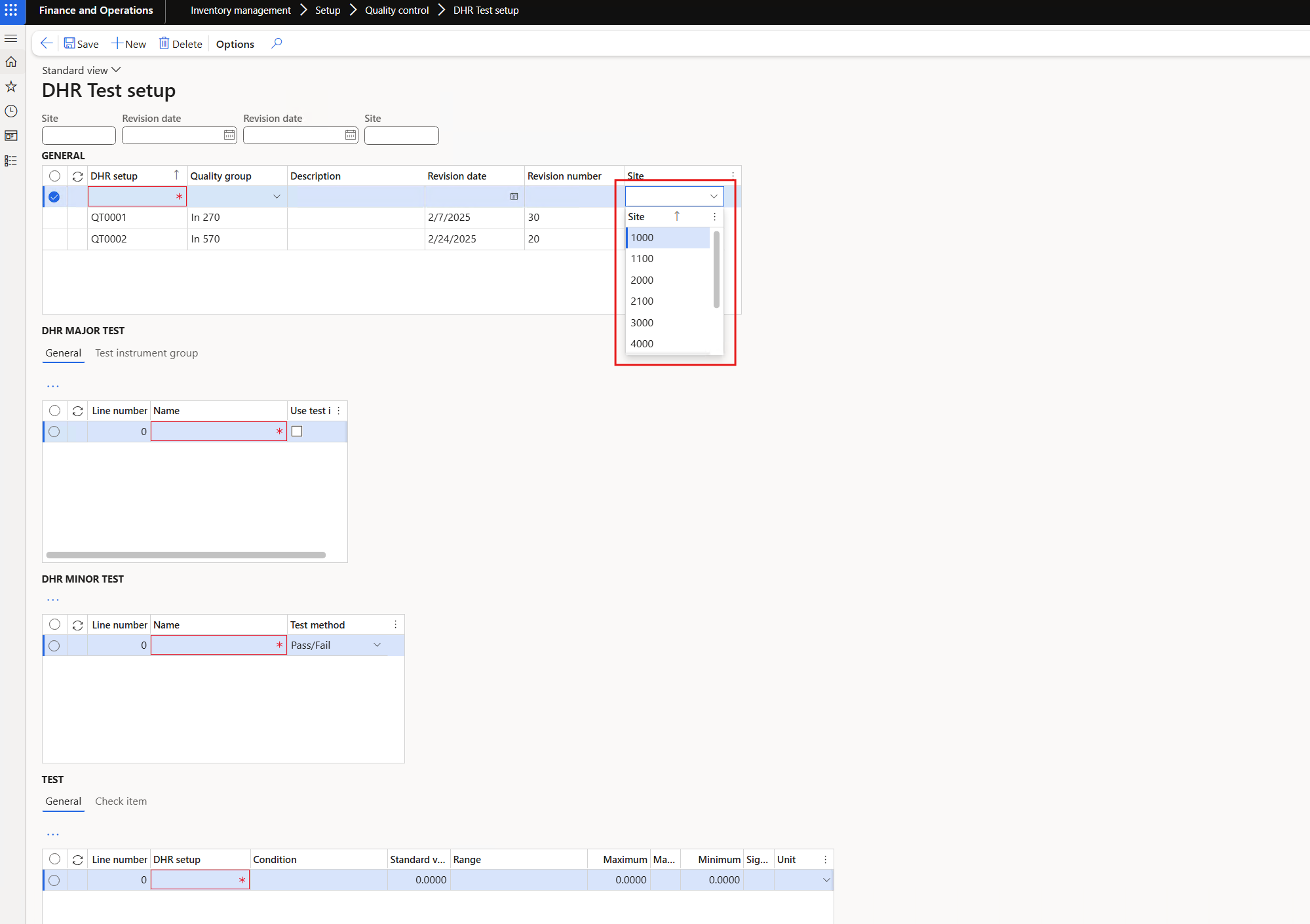
Command Button - Default 메소드 사용
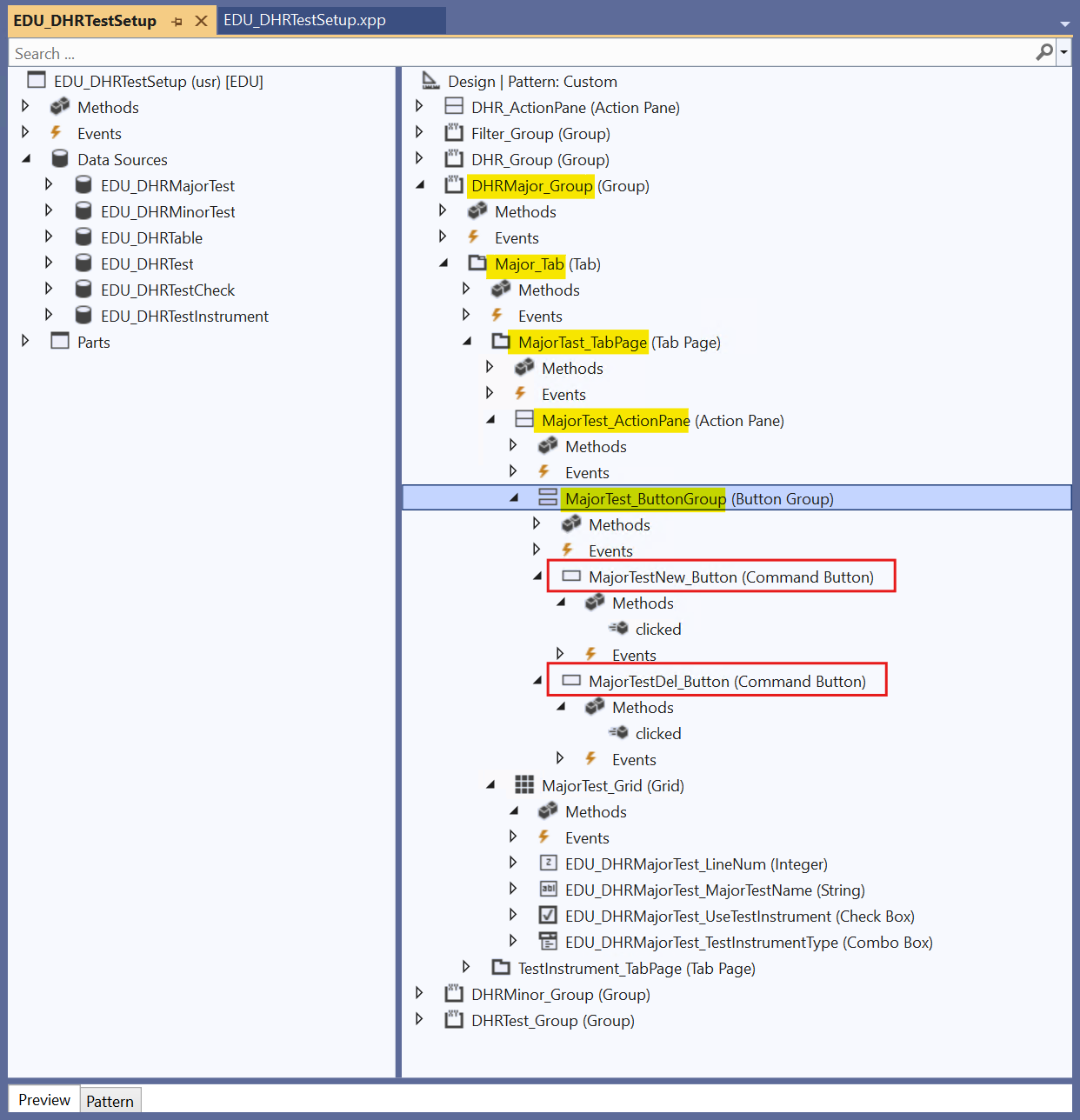
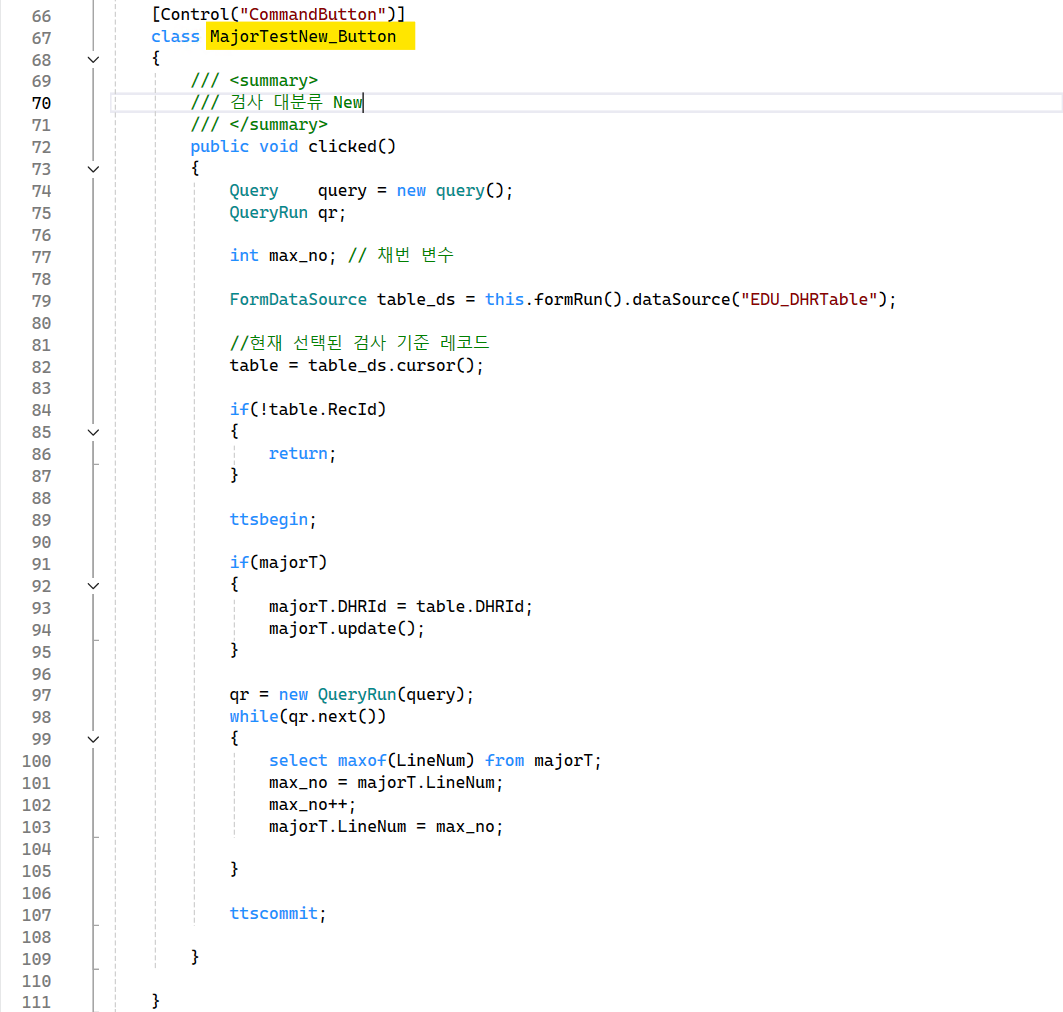
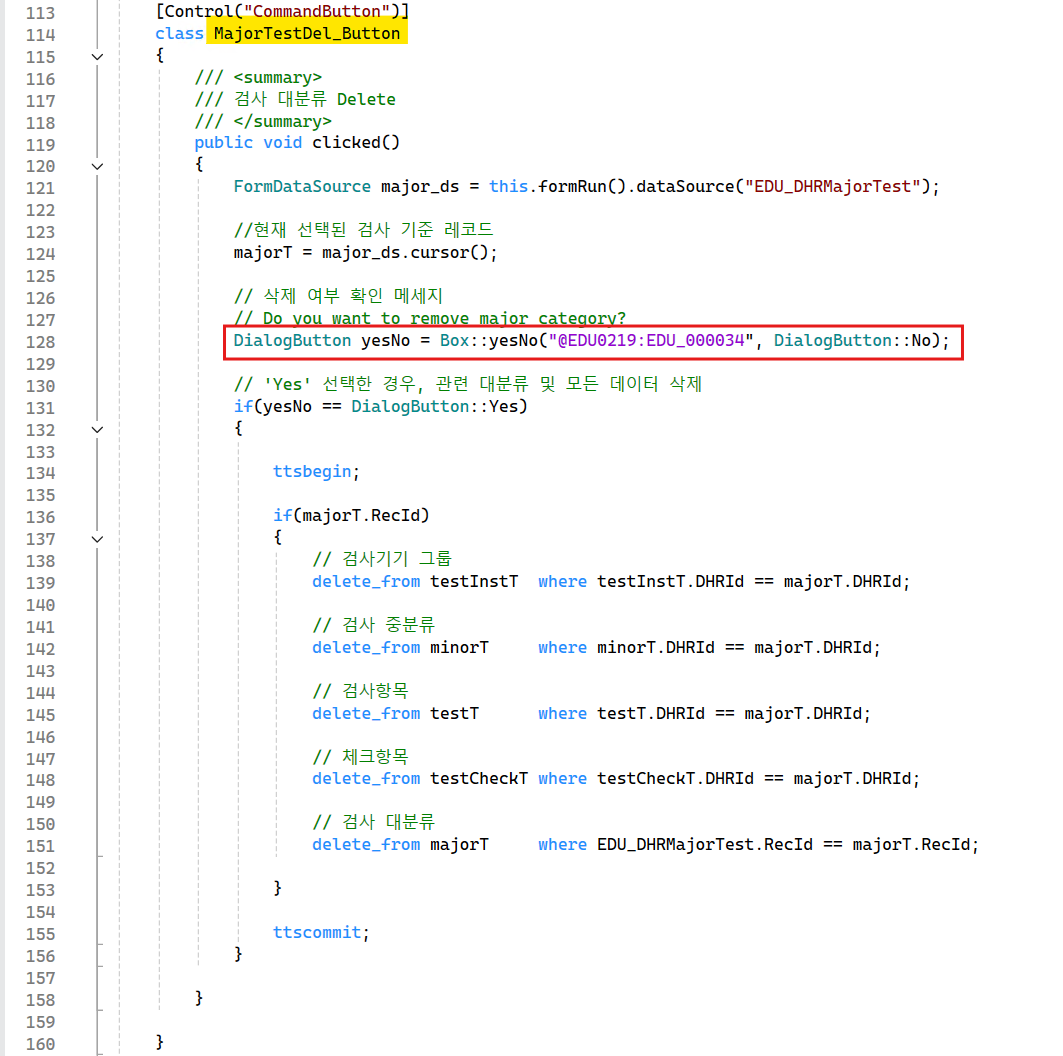
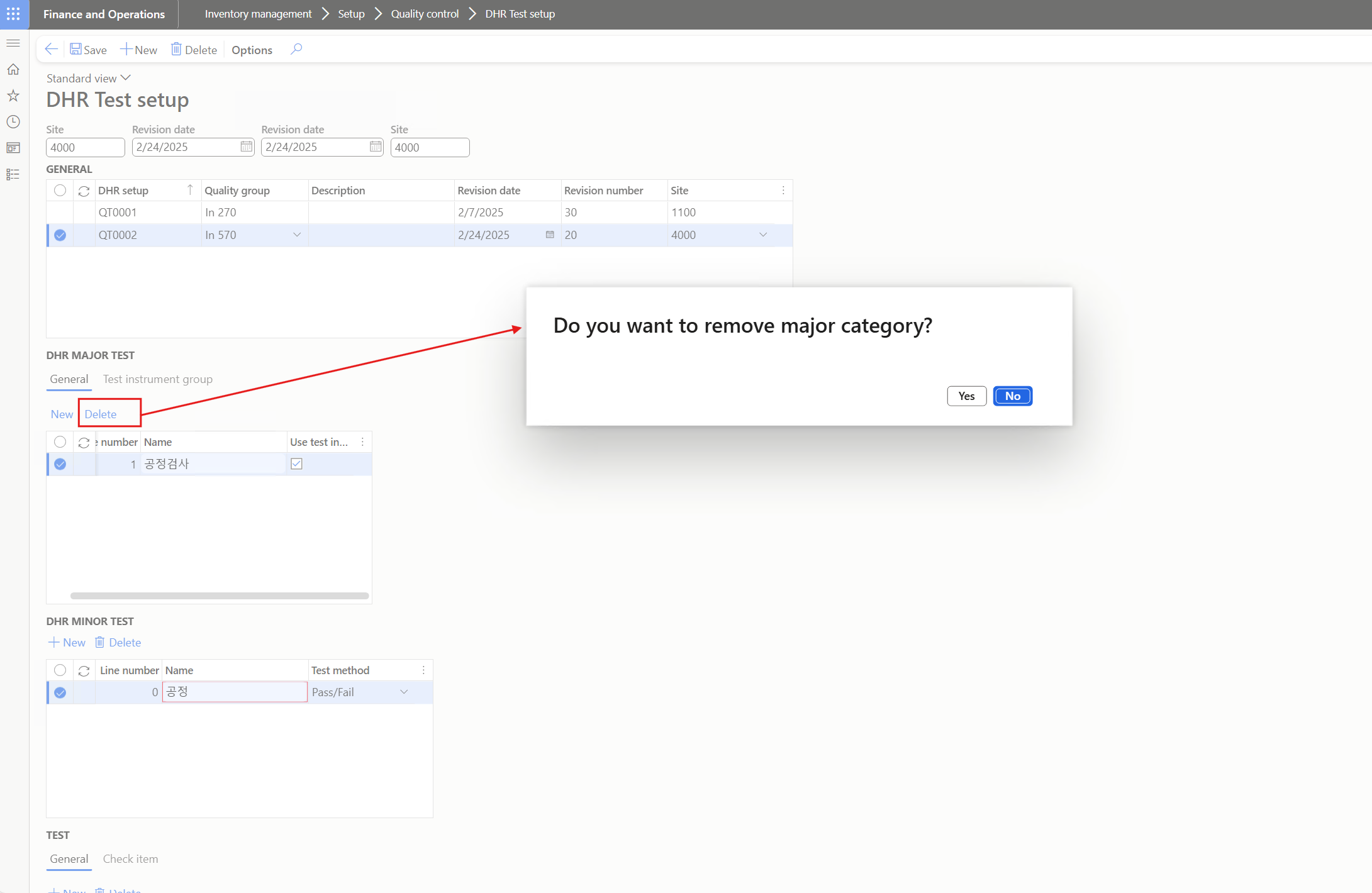
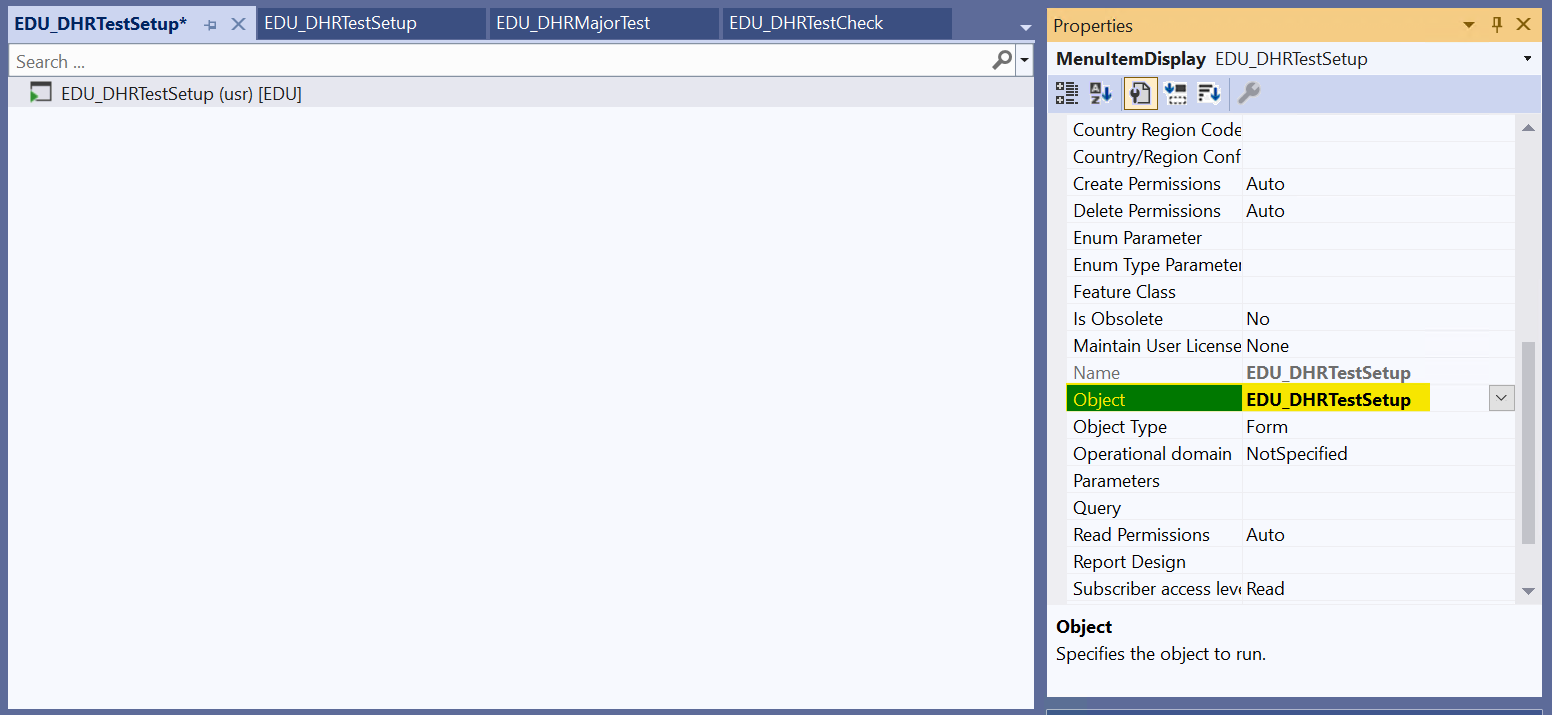
- Display Menu Item 생성 > Object로 Form과 연동
'Dynamic365' 카테고리의 다른 글
| D365_VisualStudio | 필드 Add-in&생산주문생성 (0) | 2025.04.15 |
|---|---|
| D365_VisualStudio | Temp Table(2) - Transaction, Filter (0) | 2025.03.15 |
| D365_VisualStudio | Temp Table(1) - Dialog, Transfer order 생성 (0) | 2025.03.02 |
| D365_VisualStudio | Class Extension, Lookup (2) | 2025.02.18 |
| D365_VisualStudio | 연결계정 등록(2) Extension, Lookup, Class, Validation (0) | 2025.02.17 |
'Dynamic365' Related Articles
more


