
| 일 | 월 | 화 | 수 | 목 | 금 | 토 |
|---|---|---|---|---|---|---|
| 1 | 2 | 3 | 4 | 5 | 6 | 7 |
| 8 | 9 | 10 | 11 | 12 | 13 | 14 |
| 15 | 16 | 17 | 18 | 19 | 20 | 21 |
| 22 | 23 | 24 | 25 | 26 | 27 | 28 |
- dynamic365f=
- X++
- OracleDB
- Round
- Dynamics365
- d365 f&o
- dynamic365
- Report
- TO_CHAR
- java
- SQL
- d365
- d365 f&o #Dynamic365
- Eclipse
- Case
- xpp
- PCCE
- dynamics 365 f&o
- Programmers
- SSRS
- f&o
- Dynamics
- 자바오류
레트로코딩토끼토끼
D365_VisualStudio | Excel Export - ZIP File 본문
Excel Export 구조
1) ExcelPackage (OfficeOpenXml)
2) MemoryStream (System.IO)
3) zip/Fild download
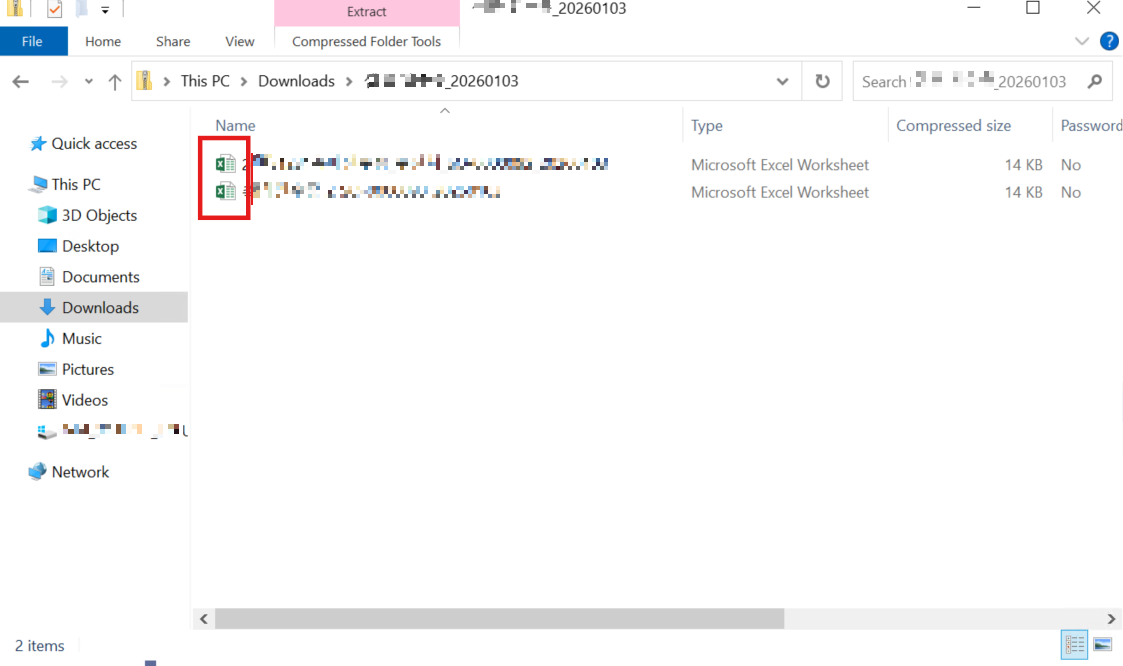
zipStream 내부
├─ file1.xlsx
├─ file2.xlsx
├─ file3.xlsx
- SendFileToUser | 파일 1건 / 즉시 전송, 즉시 다운
- Zip + Upload | 여러 건 / 패키징 후 저장, 팝업
1. Declare namespace
: File/MemoryStream/Excel 생성 관련 기능 사용을 위한 네임스페이스 선언
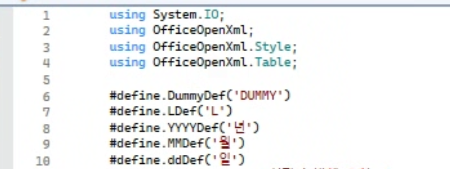
using System.IO;
using OfficeOpenXml;
using OfficeOpenXml.Style;
using OfficeOpenXml.Table;
2. Encoding
: 한국어 깨짐 방지
System.Text.Encoding encoding = System.Text.Encoding::GetEncoding(949);
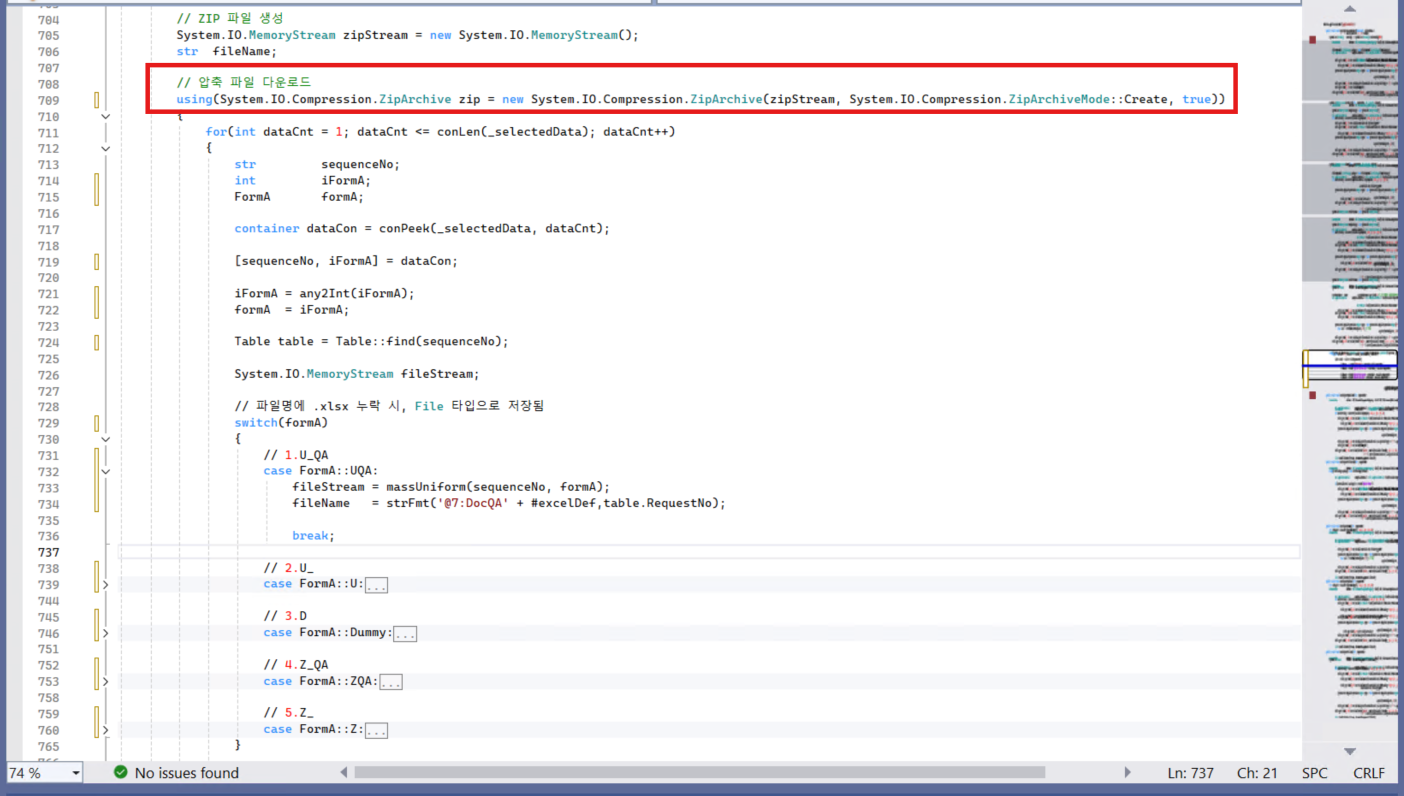
3. ZIP 파일 생성
System.IO.MemoryStream zipStream = new System.IO.MemoryStream(); //-> RAM
4. 압축 파일 다운로드
using(System.IO.Compression.ZipArchive zip
= new System.IO.Compression.ZipArchive(zipStream, System.IO.Compression.ZipArchiveMode::Create, true))
5. 각 Excel File 생성
System.IO.MemoryStream fileStream;
1) Template File loadded
Template stream → copy → MemoryStream 생성
System.IO.Stream stream = documentManagement.fileToStream();
System.IO.MemoryStream templateCopy = new System.IO.MemoryStream();
stream.CopyTo(templateCopy);
templateCopy.Position = 0;
2) Create ExcelPackage
OfficeOpenXml.ExcelPackage package = new OfficeOpenXml.ExcelPackage(templateCopy);
ExcelWorksheets excelWorksheets = package.get_Workbook().get_Worksheets();
ExcelWorksheet sheet = excelWorksheets.get_Item(1); // 기존 템플릿 시트에 덮어쓰기
ExcelRange cells = sheet.Cells;
3) Input value of Cell
...
cells.get_Item(4, 10).set_Value();
...
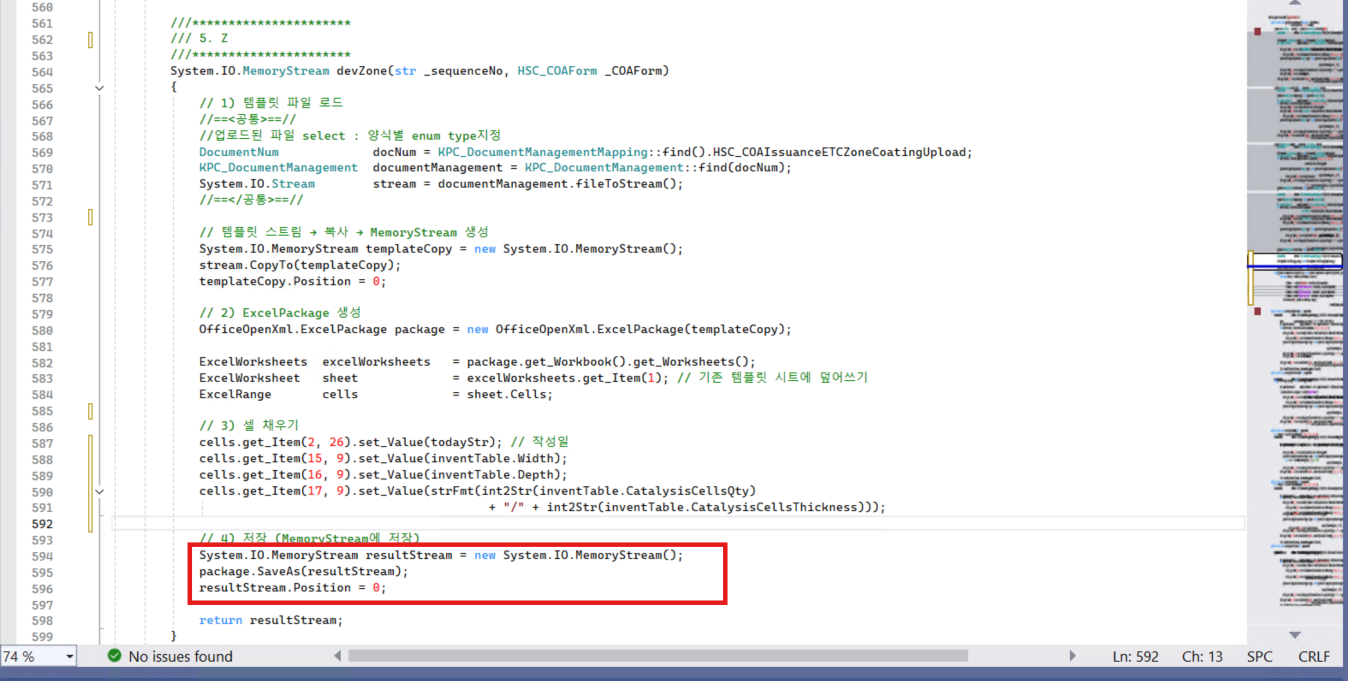
4) Save in MemoryStream
System.IO.MemoryStream resultStream = new System.IO.MemoryStream();
package.SaveAs(resultStream);
resultStream.Position = 0;
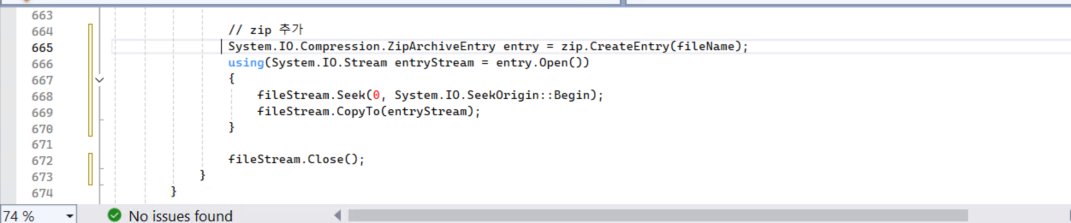
5. Add to zip file
ZipArchive + Entry + Upload (패키징>업로드>링크생성)
// ZIP File Entry 생성(파일명만 생성)
System.IO.Compression.ZipArchiveEntry entry = zip.CreateEntry(fileName);
//-> 엑셀 MemoryStream을 ZIP File로 복사
using( System.IO.Stream entryStream = entry.Open())
{
fileStream.Seek(0, System.IO.SeekOrigin::Begin); //-> Excel 파일 처음부터 다시 읽기, 다운 시 필수
fileStream.CopyTo(entryStream);
}
fileStream.Close();
6. ZIP File load
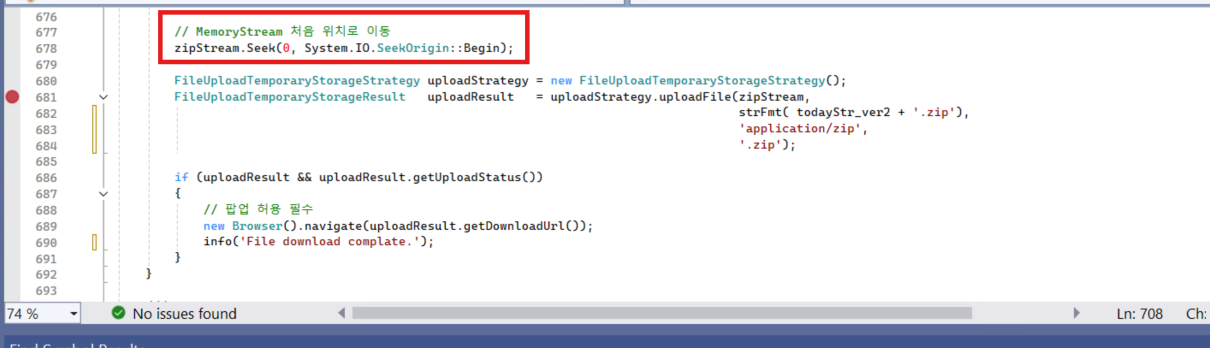
zipStream.Seek(0, System.IO.SeekOrigin::Begin); //-> ZIP 파일 처음부터 다시 읽기(업로드 파일 크기 0 방지), 다운 시 필수
FileUploadTemporaryStorageStrategy uploadStrategy = new FileUploadTemporaryStorageStrategy();
FileUploadTemporaryStorageResult uploadResult = uploadStrategy.uploadFile(zipStream,
strFmt( todayStr_ver2 + '.zip'),
'application/zip',
'.zip'); //->ZIP File을 D365 임시 저장소에 업로드
if (uploadResult && uploadResult.getUploadStatus())
{
// 팝업 허용 필수
new Browser().navigate(uploadResult.getDownloadUrl());
info('File download complate.');
} //-> User 다운로드 링크 제공
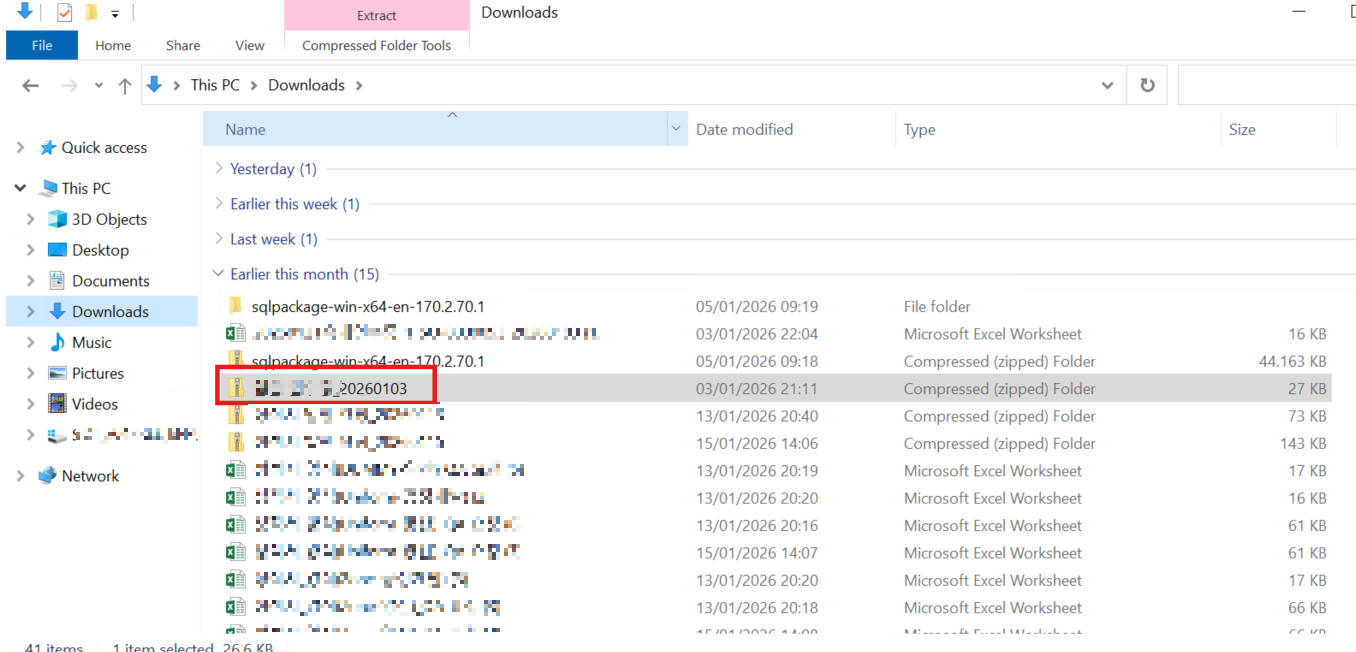
Result
'Dynamic365' 카테고리의 다른 글
| D365_VisualStudio | Extension Form DataSource EventHandler (0) | 2026.02.02 |
|---|---|
| D365_VisualStudio | Excel export line modulation (0) | 2026.01.31 |
| D365_VisualStudio | Set form grid Font style (0) | 2026.01.29 |
| D365_VisualStudio | Memo Type, Header-Line Relation, Find() (2) | 2025.07.22 |
| D365_VisualStudio | SSRS(2) - Multi Select Report (0) | 2025.04.27 |


