
Recent Posts
Link
| 일 | 월 | 화 | 수 | 목 | 금 | 토 |
|---|---|---|---|---|---|---|
| 1 | 2 | 3 | 4 | 5 | 6 | 7 |
| 8 | 9 | 10 | 11 | 12 | 13 | 14 |
| 15 | 16 | 17 | 18 | 19 | 20 | 21 |
| 22 | 23 | 24 | 25 | 26 | 27 | 28 |
Tags
- Eclipse
- dynamic365
- SSRS
- Programmers
- OracleDB
- Dynamics
- java
- 자바오류
- dynamics 365 f&o
- Report
- Case
- Dynamics365
- SQL
- PCCE
- TO_CHAR
- Round
- d365 f&o #Dynamic365
- X++
- xpp
- d365 f&o
- dynamic365f=
- d365
- f&o
Archives
레트로코딩토끼토끼
D365_VisualStudio | SSRS(1) - 기본 Report 생성 본문
Report 틀 생성
0. 조회 데이터 추가
1. Contract
2. Temp Table
3. Data Provider
4. Report
5. Controller
6. Output Menu Item
7. Form Extension
※ Deploy Report 필수!!
VS Solution : EDU_0224
PATH : Inventory management > Periodic tasks > Quality management > Quality orders
참고 : How To Create A D365 SSRS Report - Dynamics 365 Musings
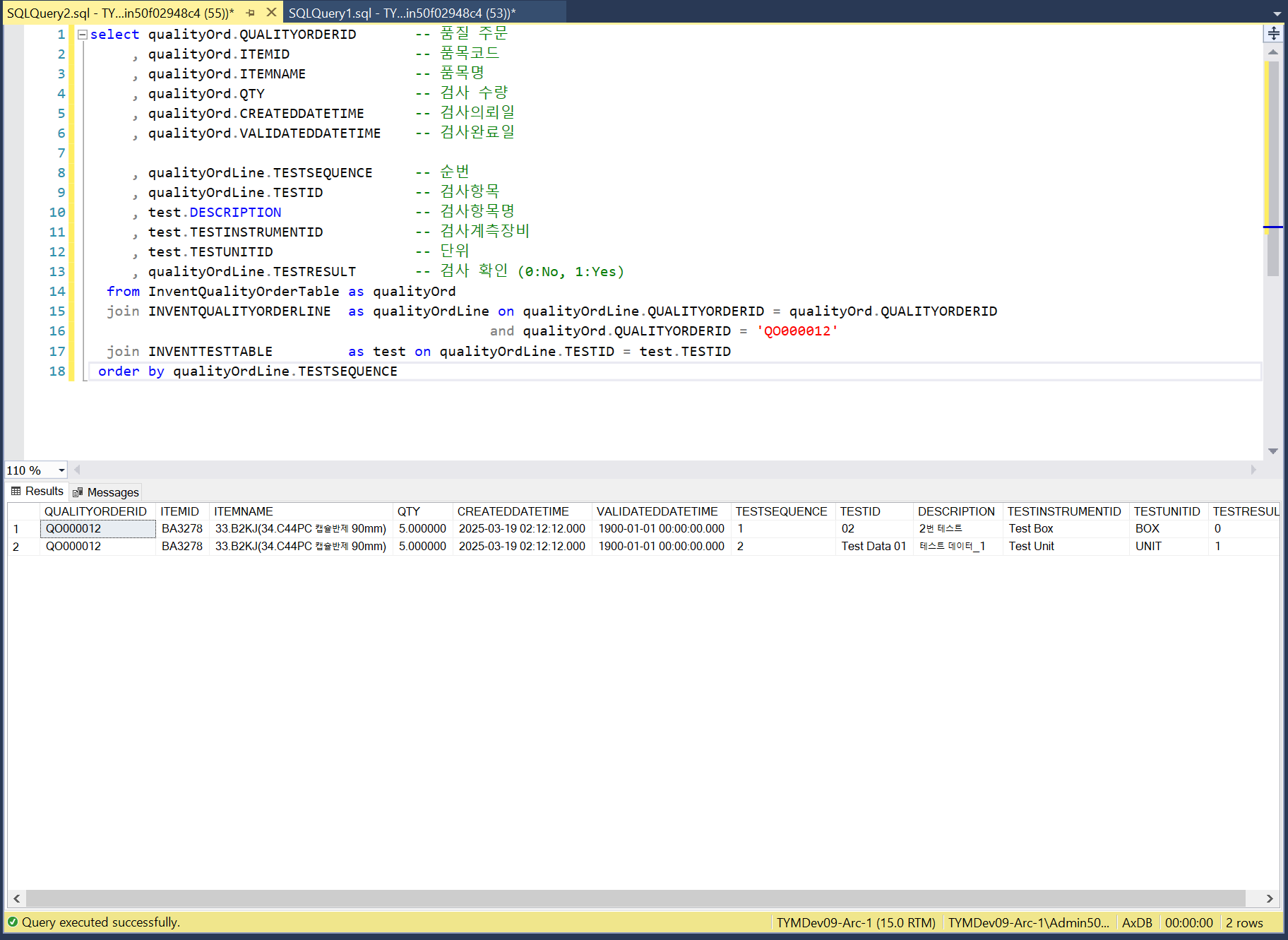
0. 조회 데이터 추가 (데이터가 없는 경우)
Inventory management > Inquiries and reports > Transaction – ‘Quantity’ 값이 있는 아이템으로 Quality orders에 데이터 추가(BA3278)
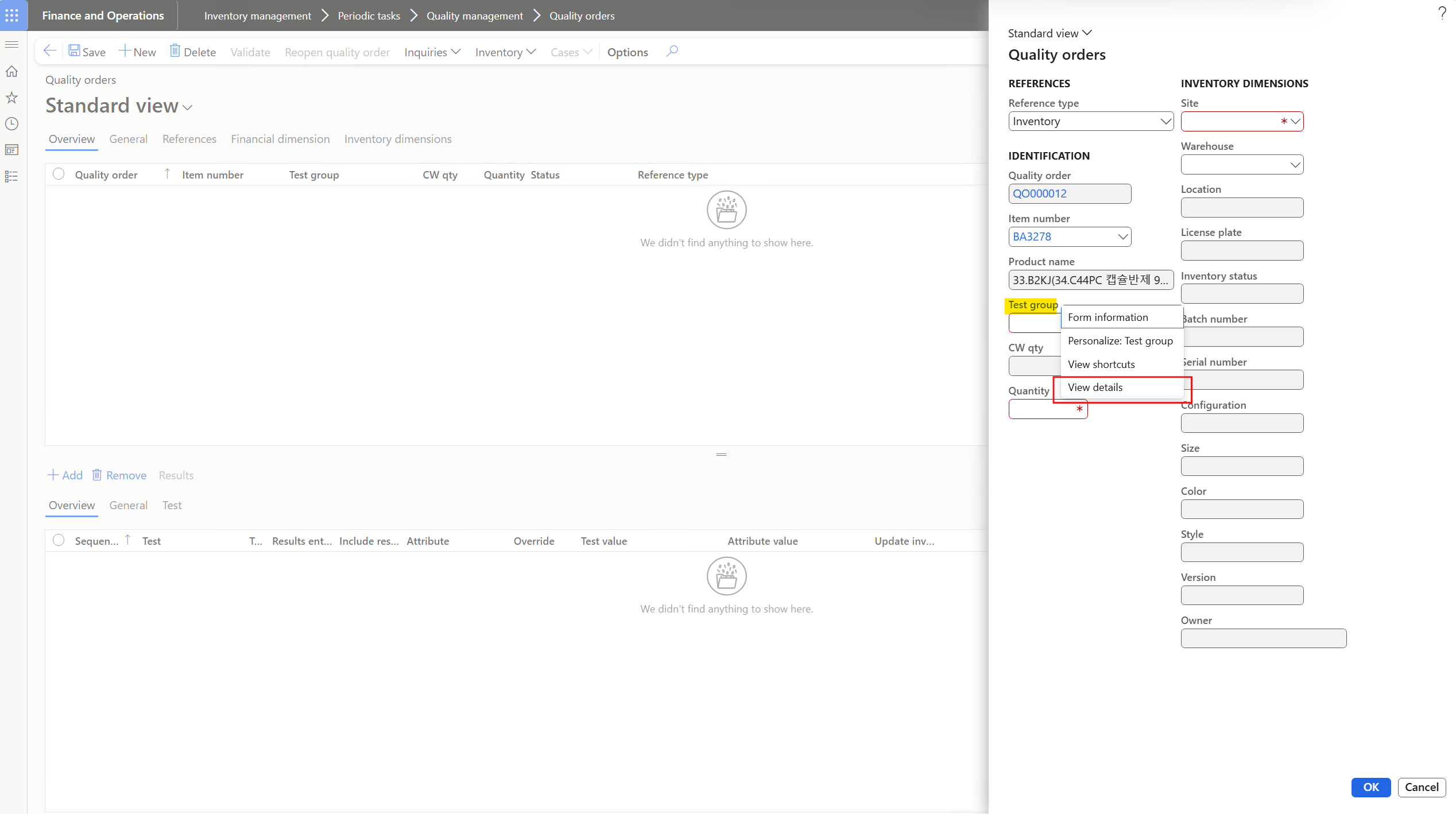
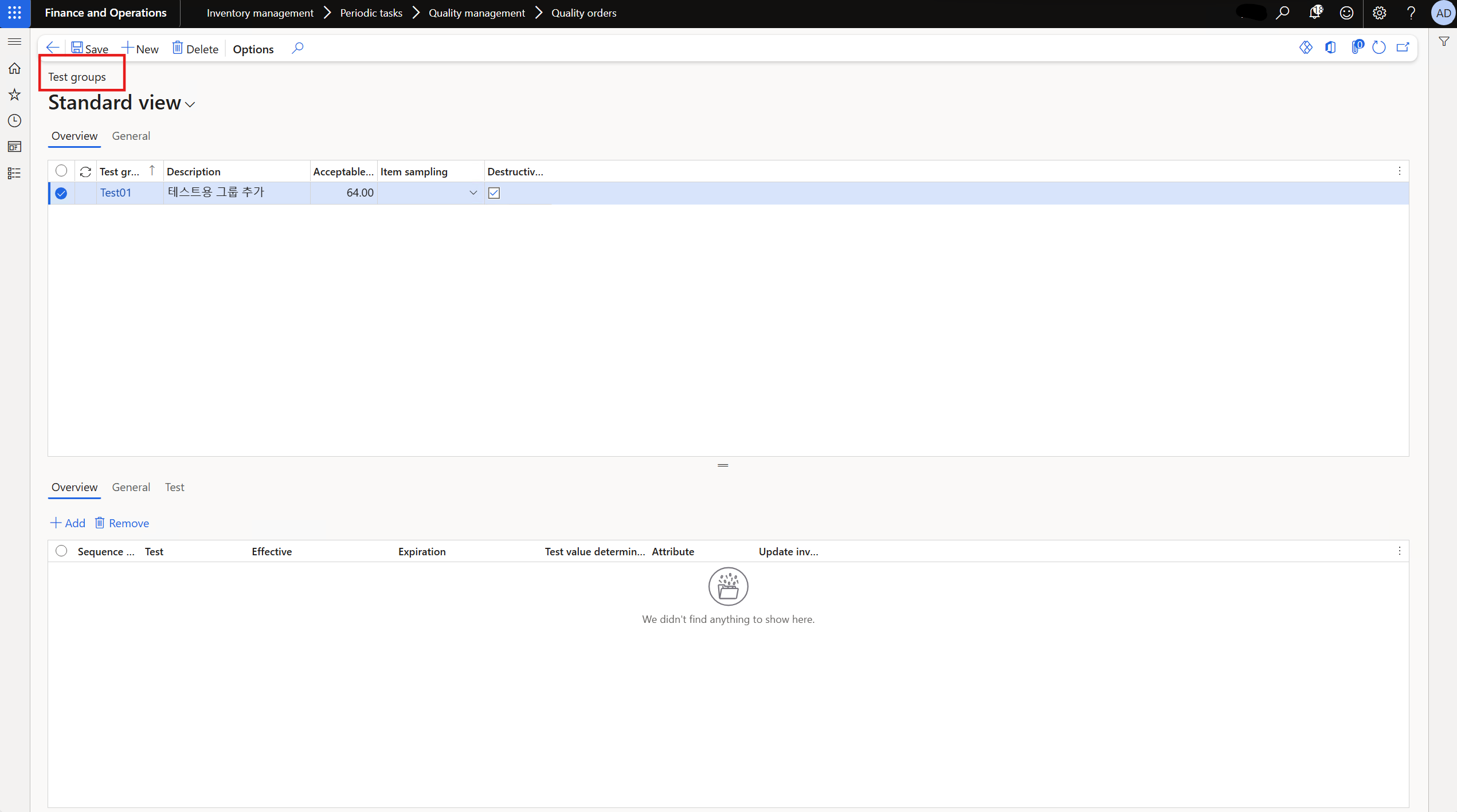
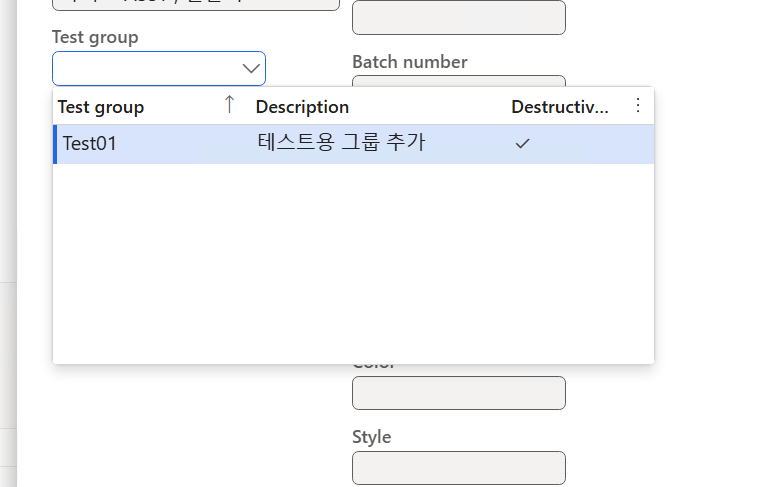
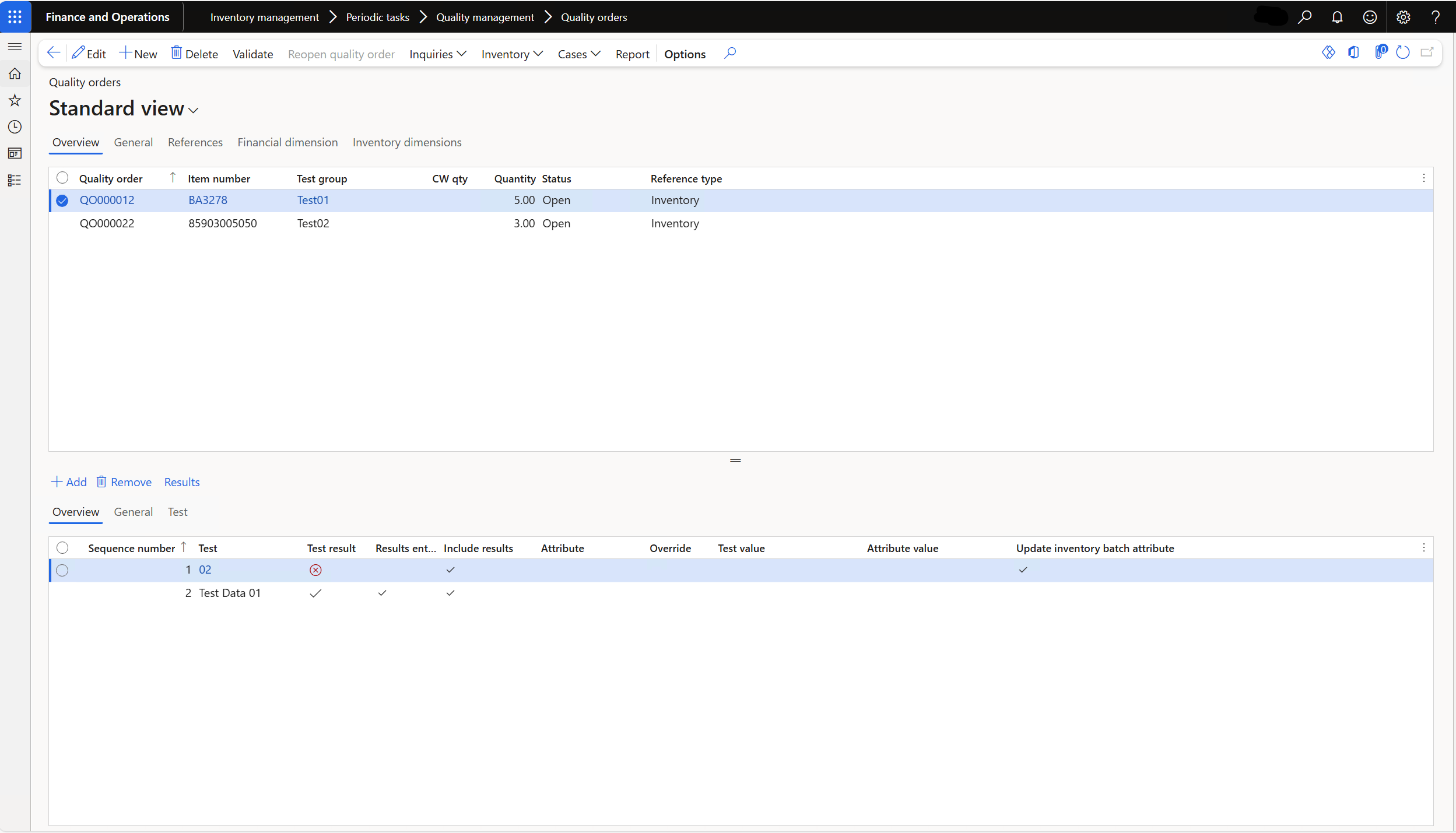
1. Contract 클래스 생성 - EDU_SSRSReportContract
[DataContractAttribute]
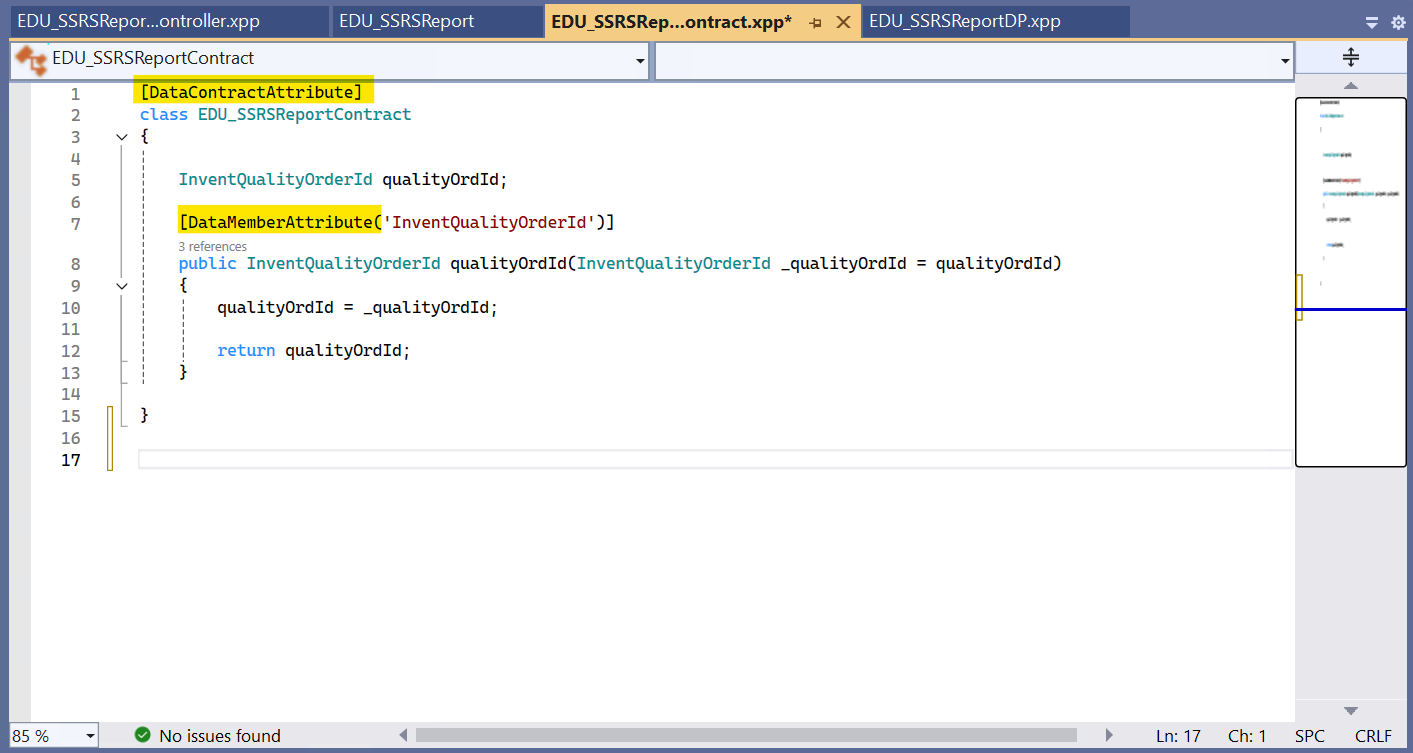
- 파라미터로 전달할 변수 설정
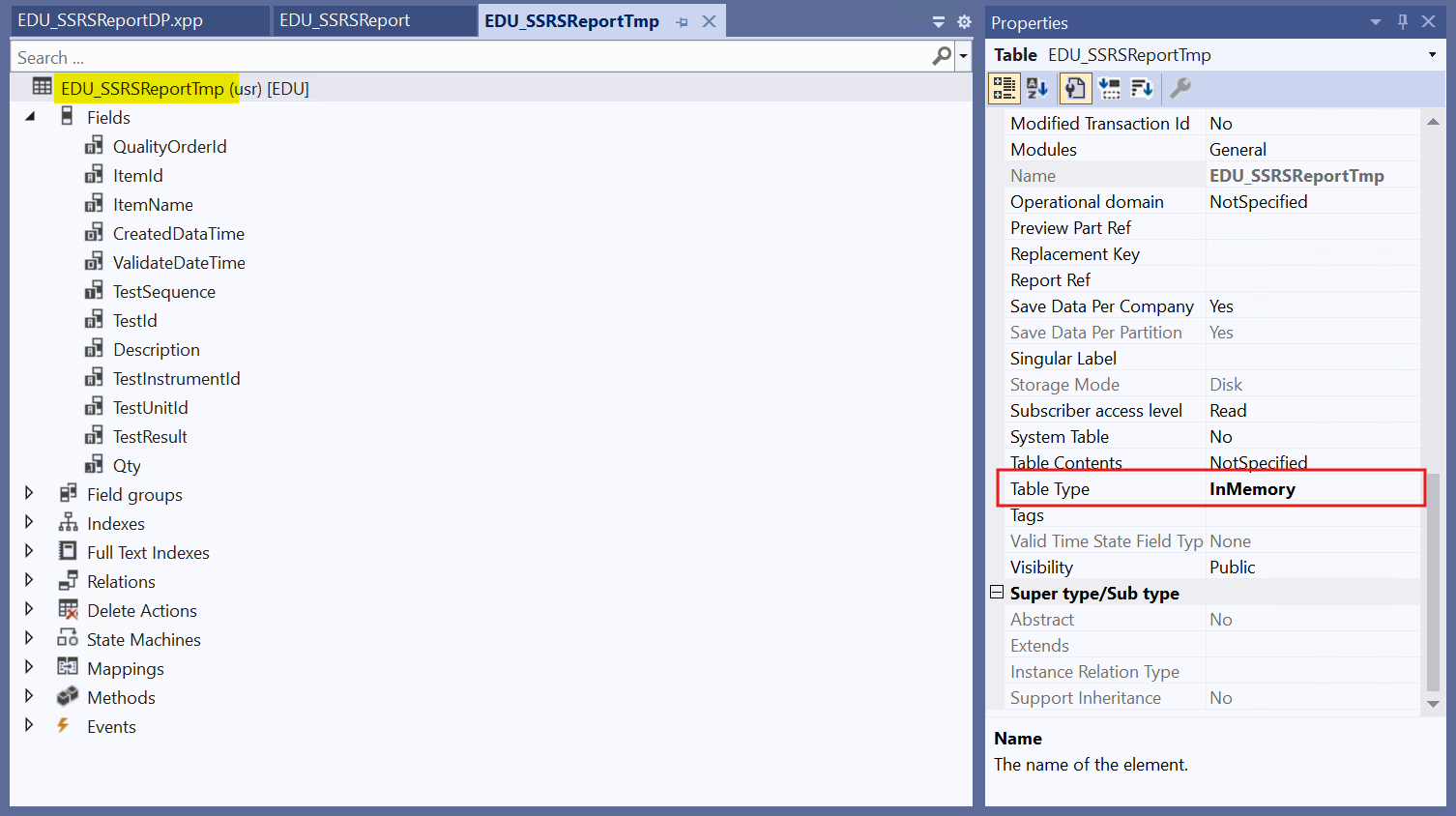
2. Temp Table 생성 - EDU_SSRSReportTmp
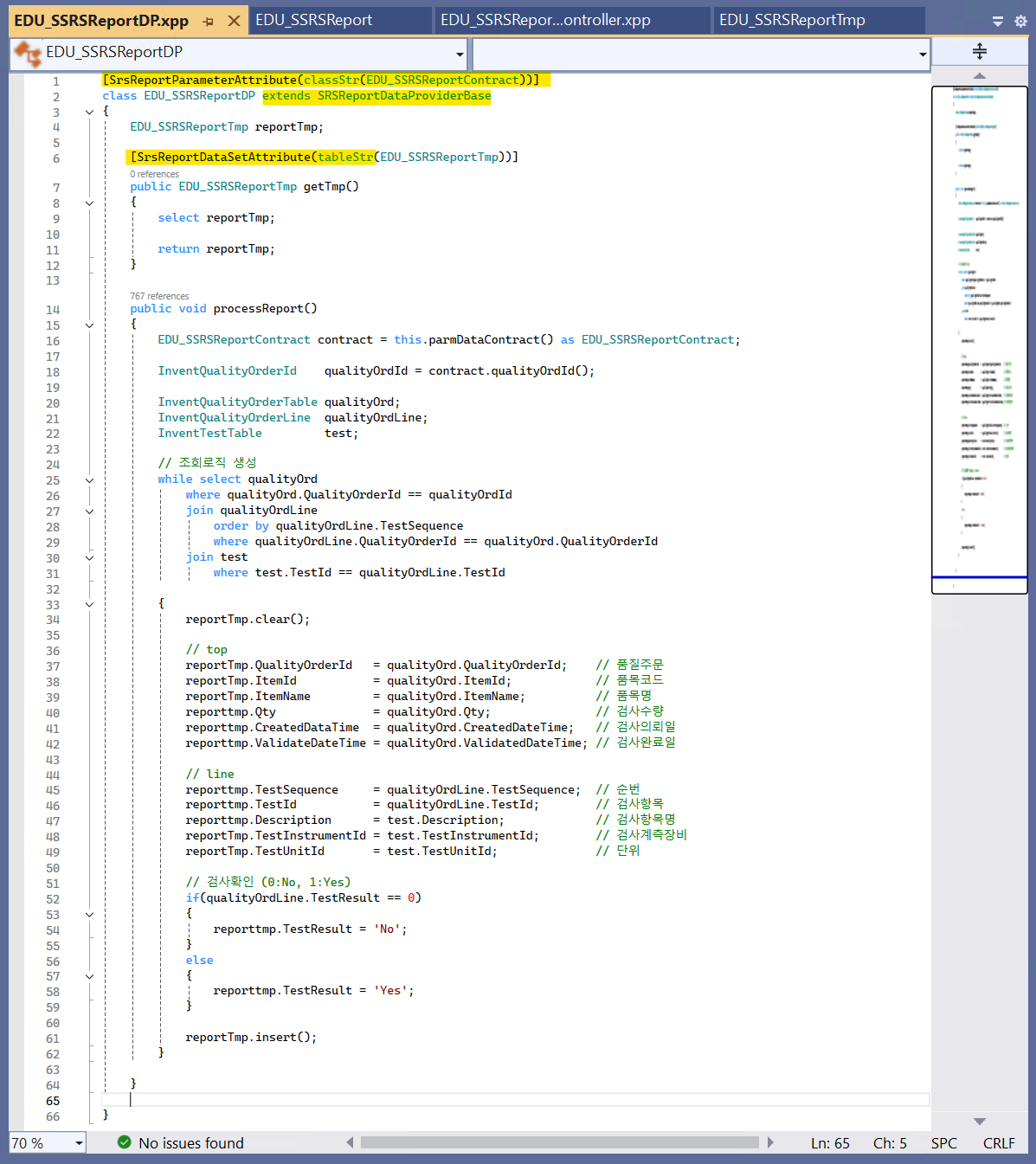
3. Data Provider 클래스 생성 (조회 로직 작성) - EDU_SSRSReportDP
- [SrsReportParameterAttribute(classStr(~ Contract))]
- class ~ extends SRSReportDataProviderBase
4. Report 생성 - EDU_SSRSReport
- Dataset 추가
- Query에서 DP 추가
- Design > new > Precision Design
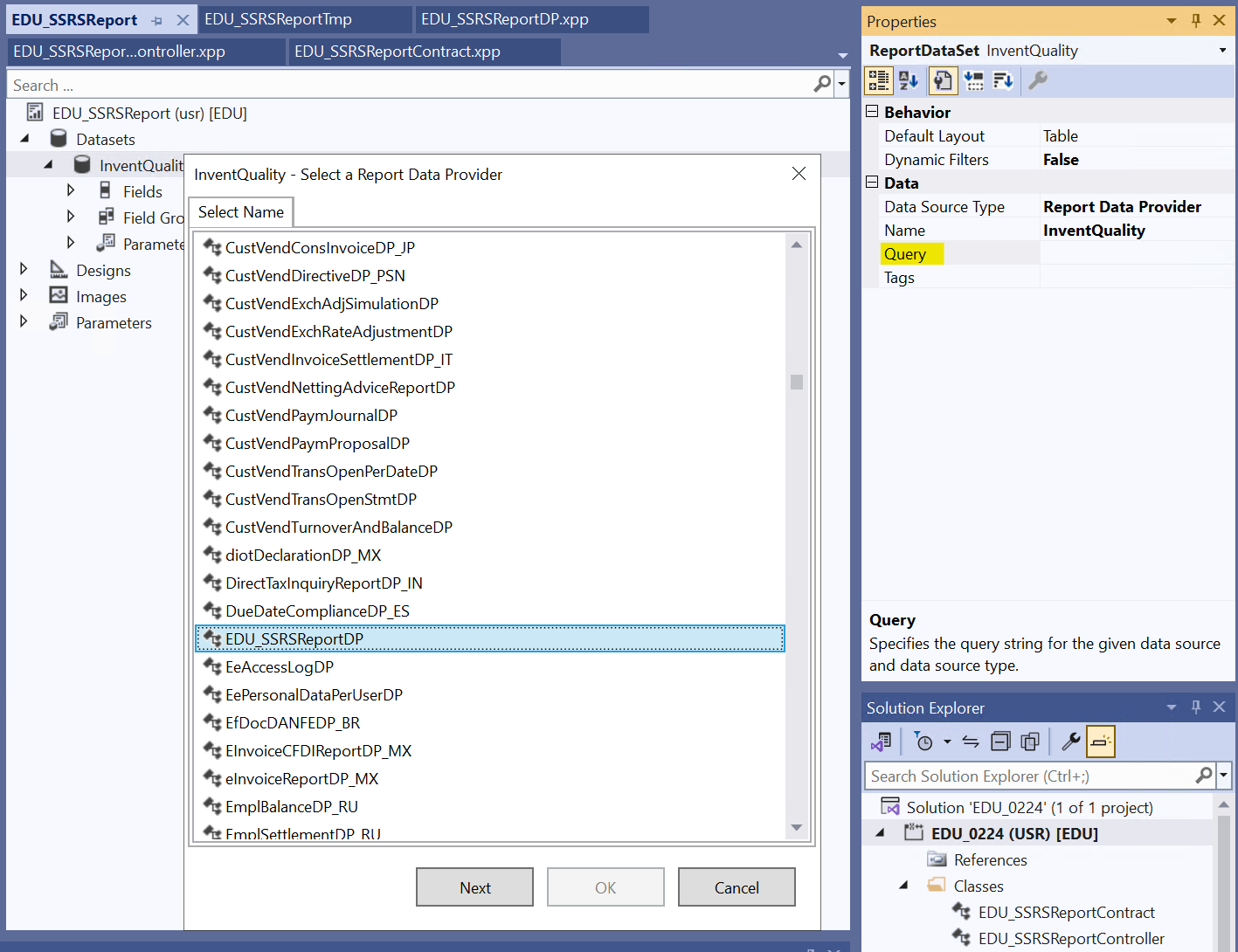
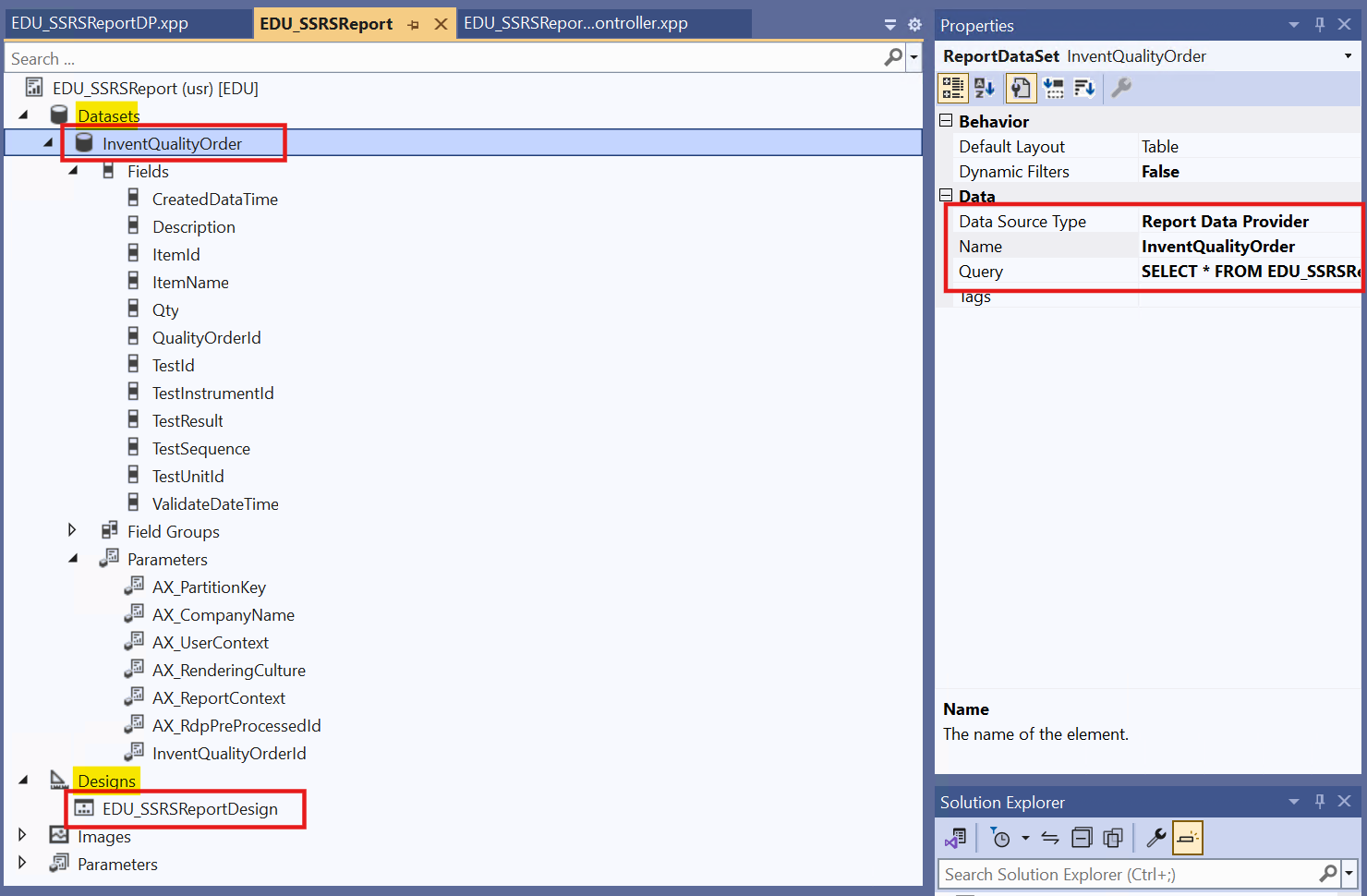
5. Controller 생성 - EDU_SSRSReportController
- class ~ Controller extends SrsReportRunController
- main class : Report 지정
- prePromptModifyContract() : 파라미터 값 가져오기

6. Output Menu Item
- Object Type ‘Class’
- Object ‘EDU_SSRSReport Controller’
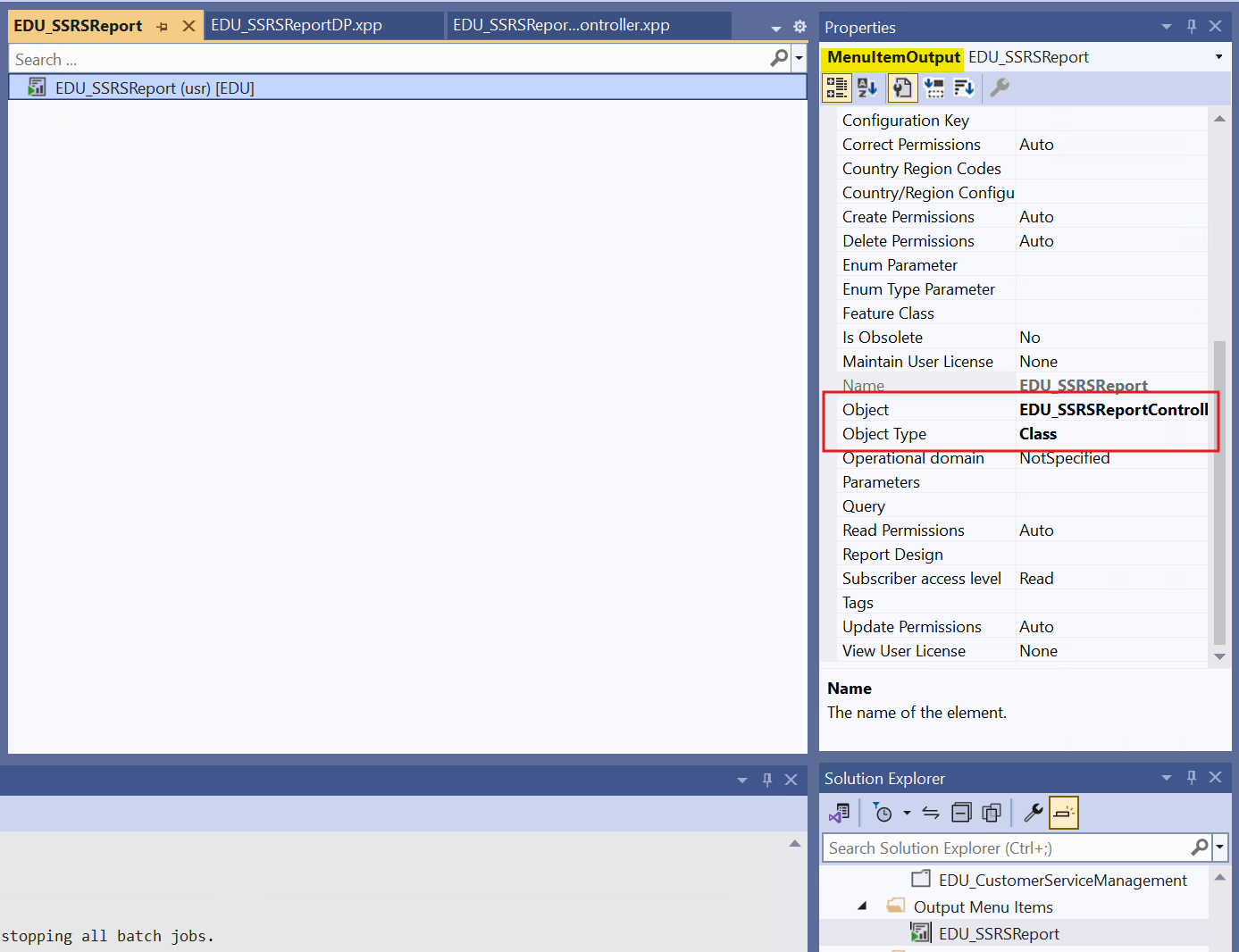
7. Form Extension
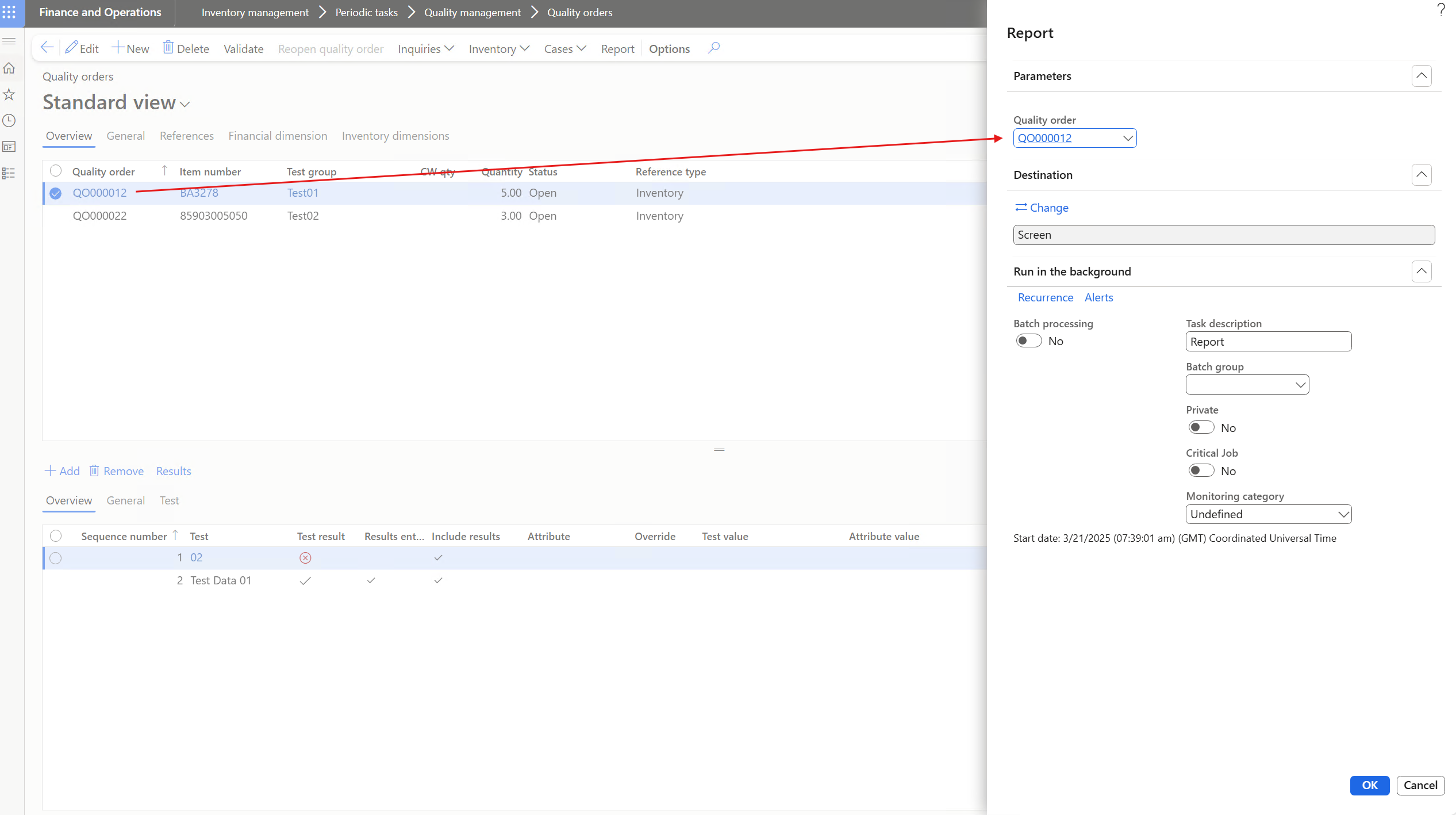
- 기존 InventQualityOrderTable Extension하여 버튼 추가 -> Menu Item 지정
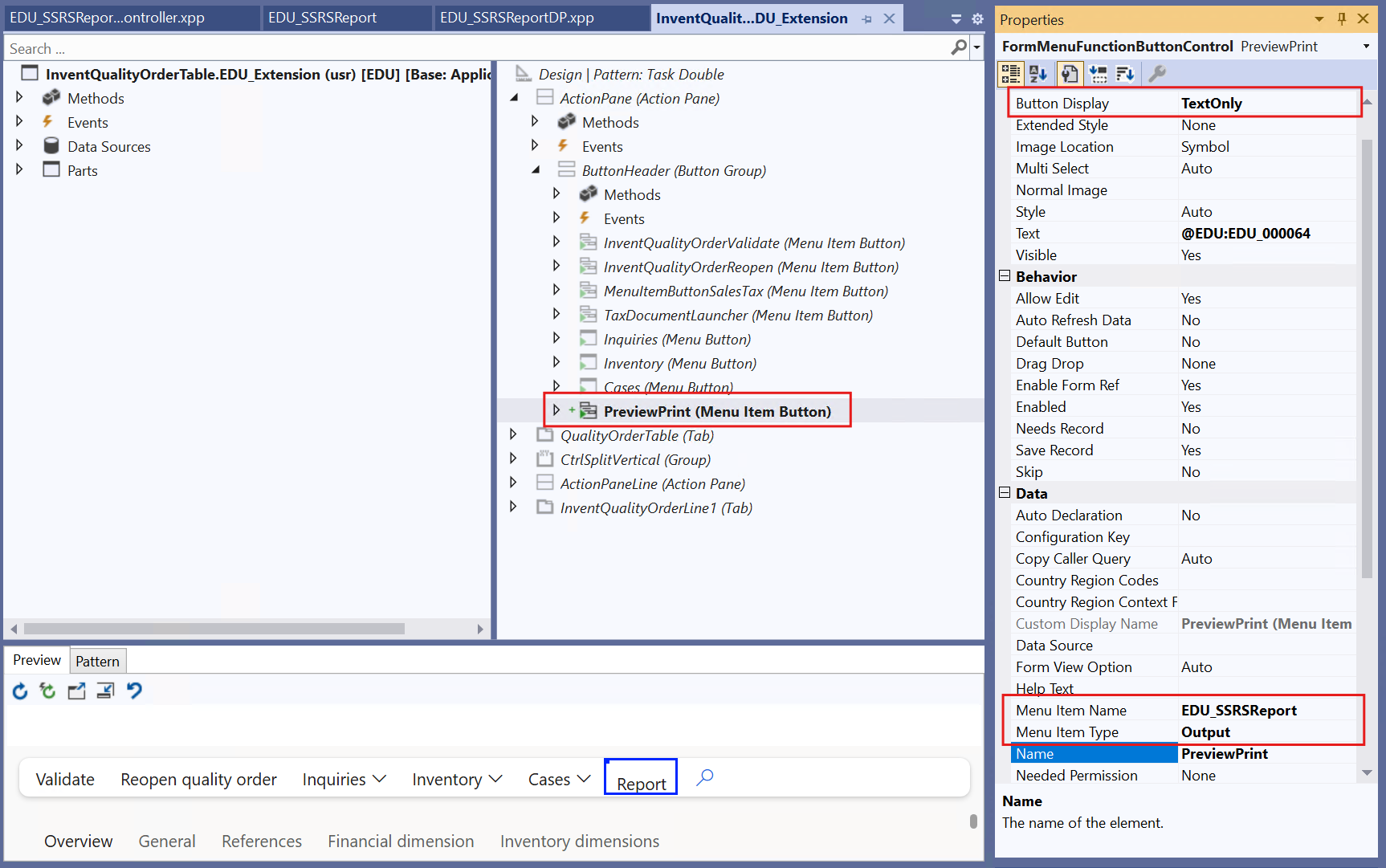
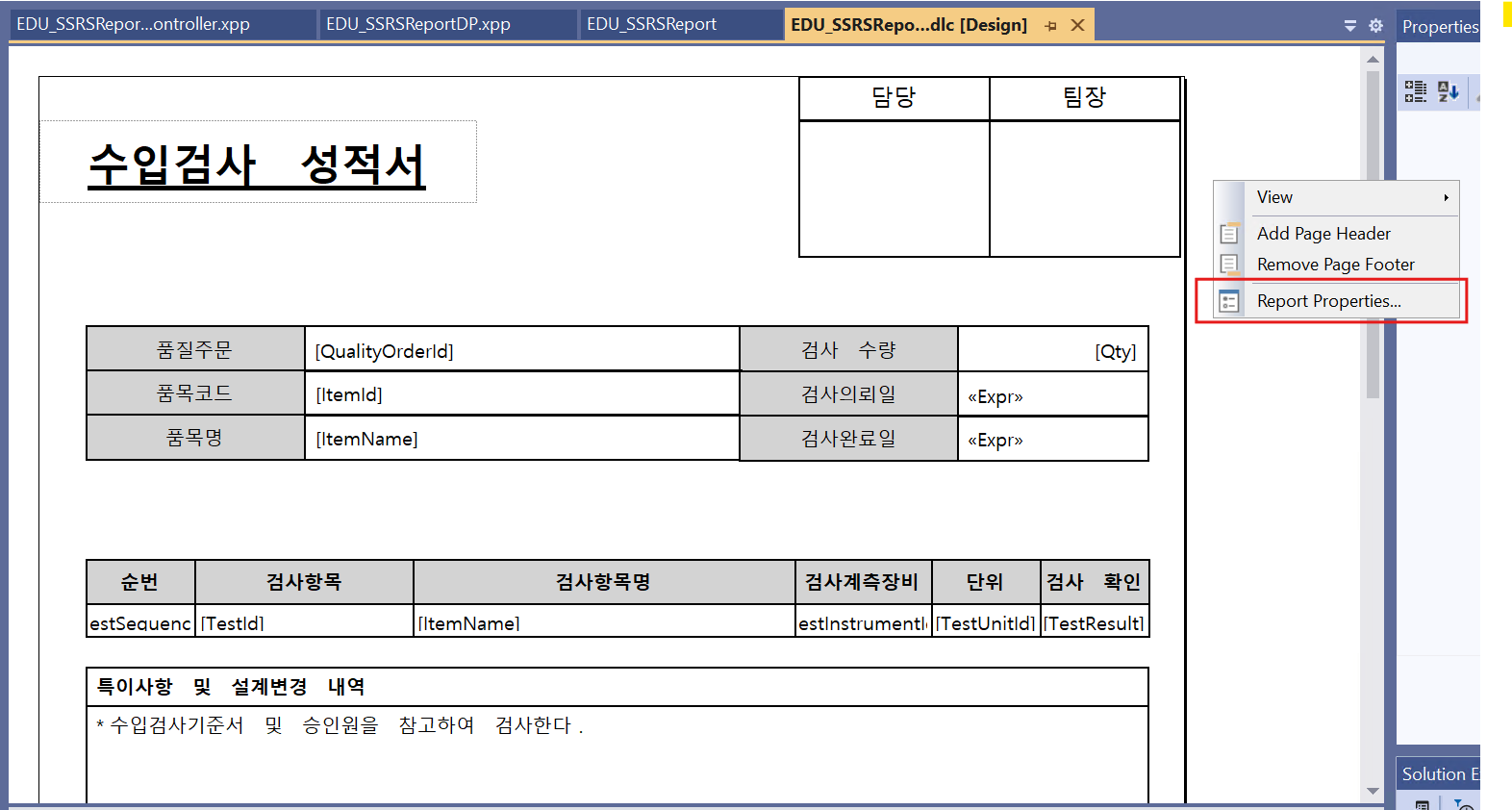
8. Report Design
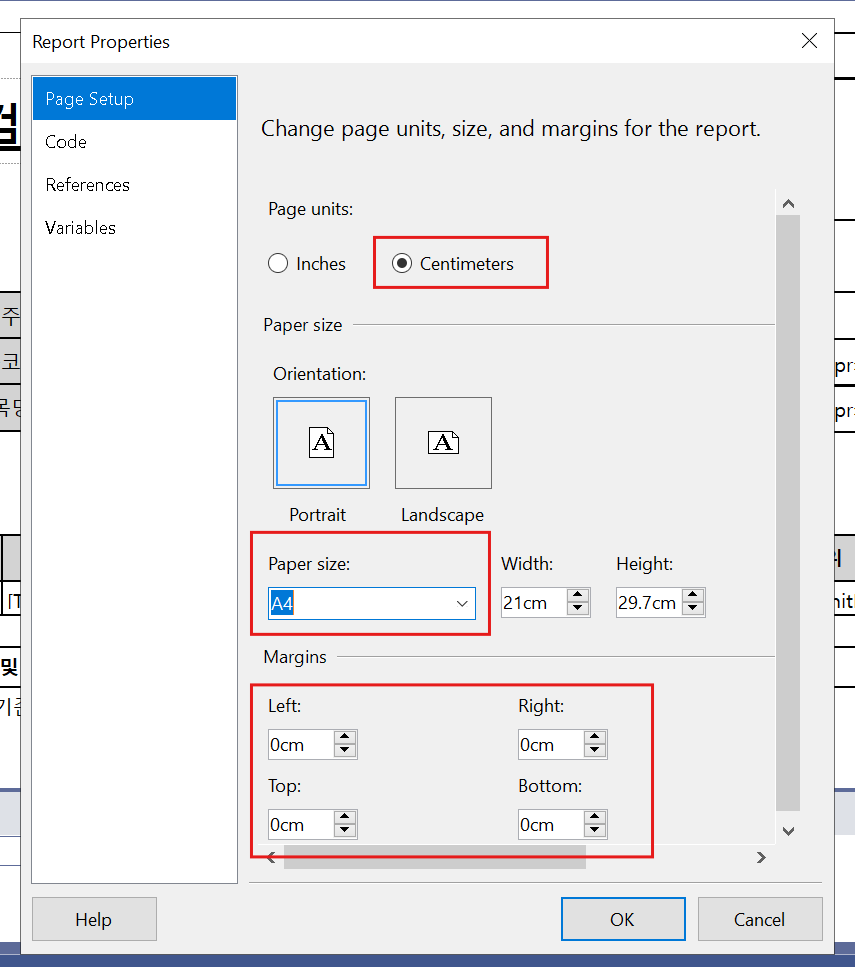
- Report 우클릭 > Report Properties > Centimeters
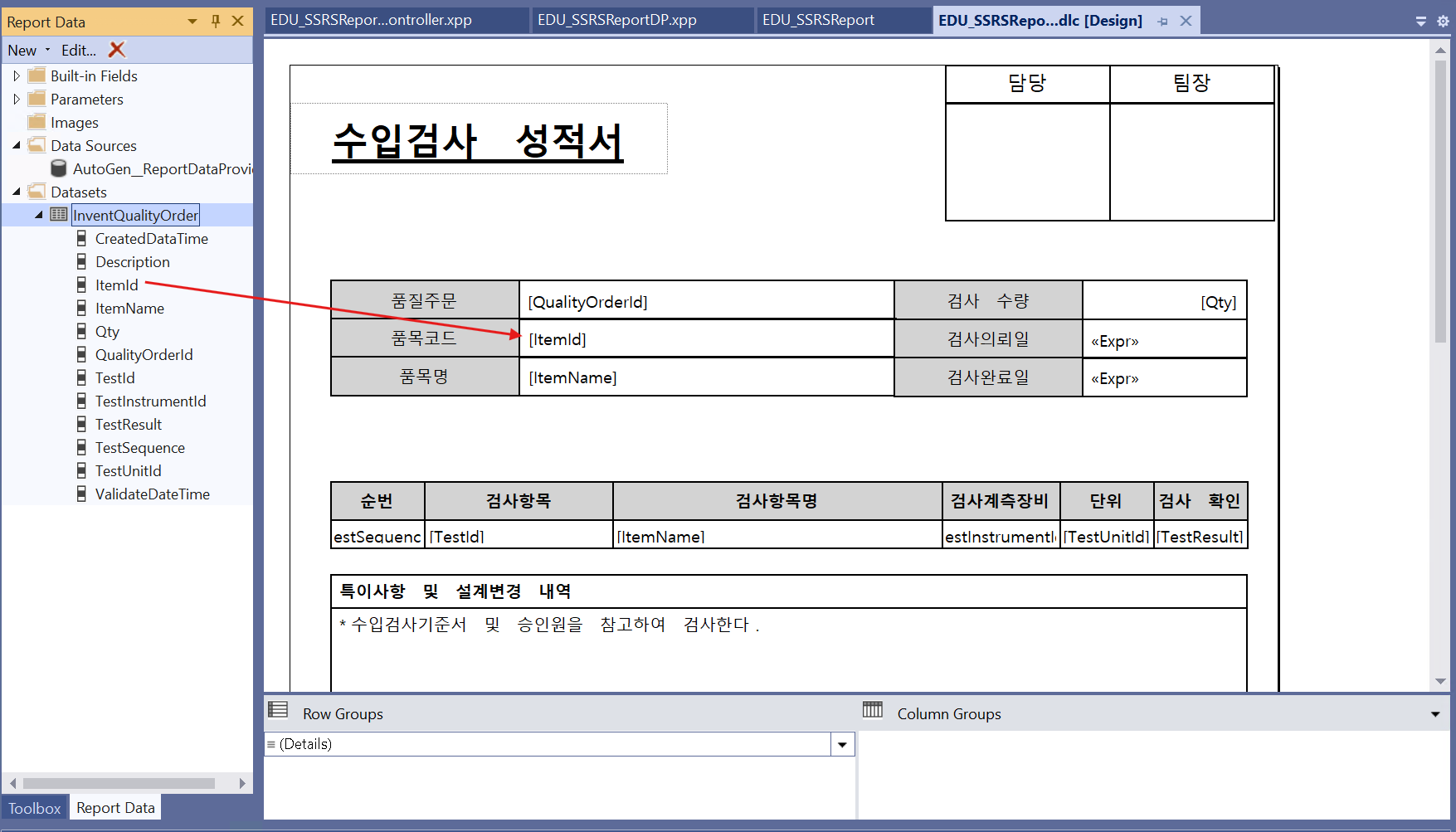
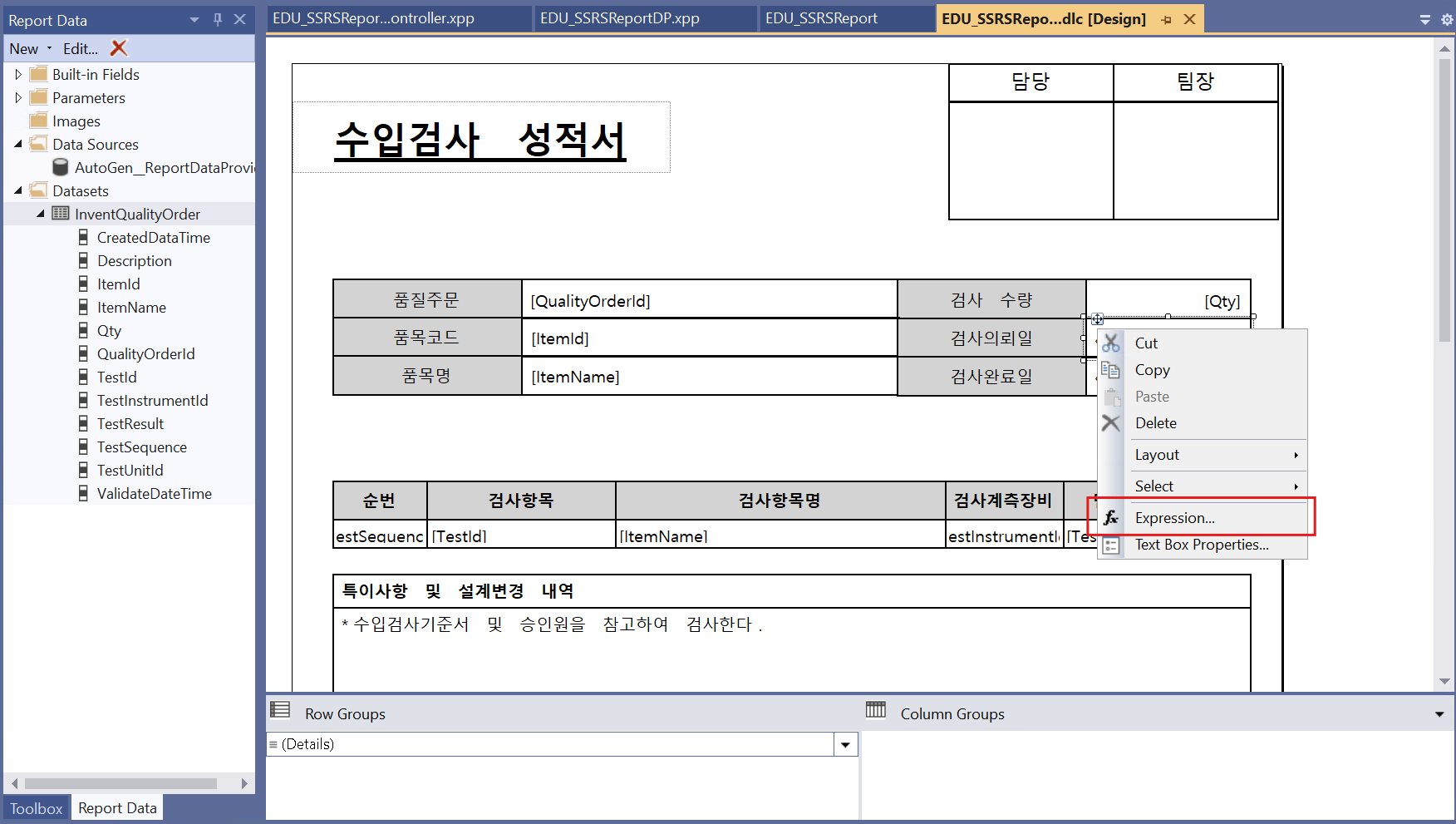
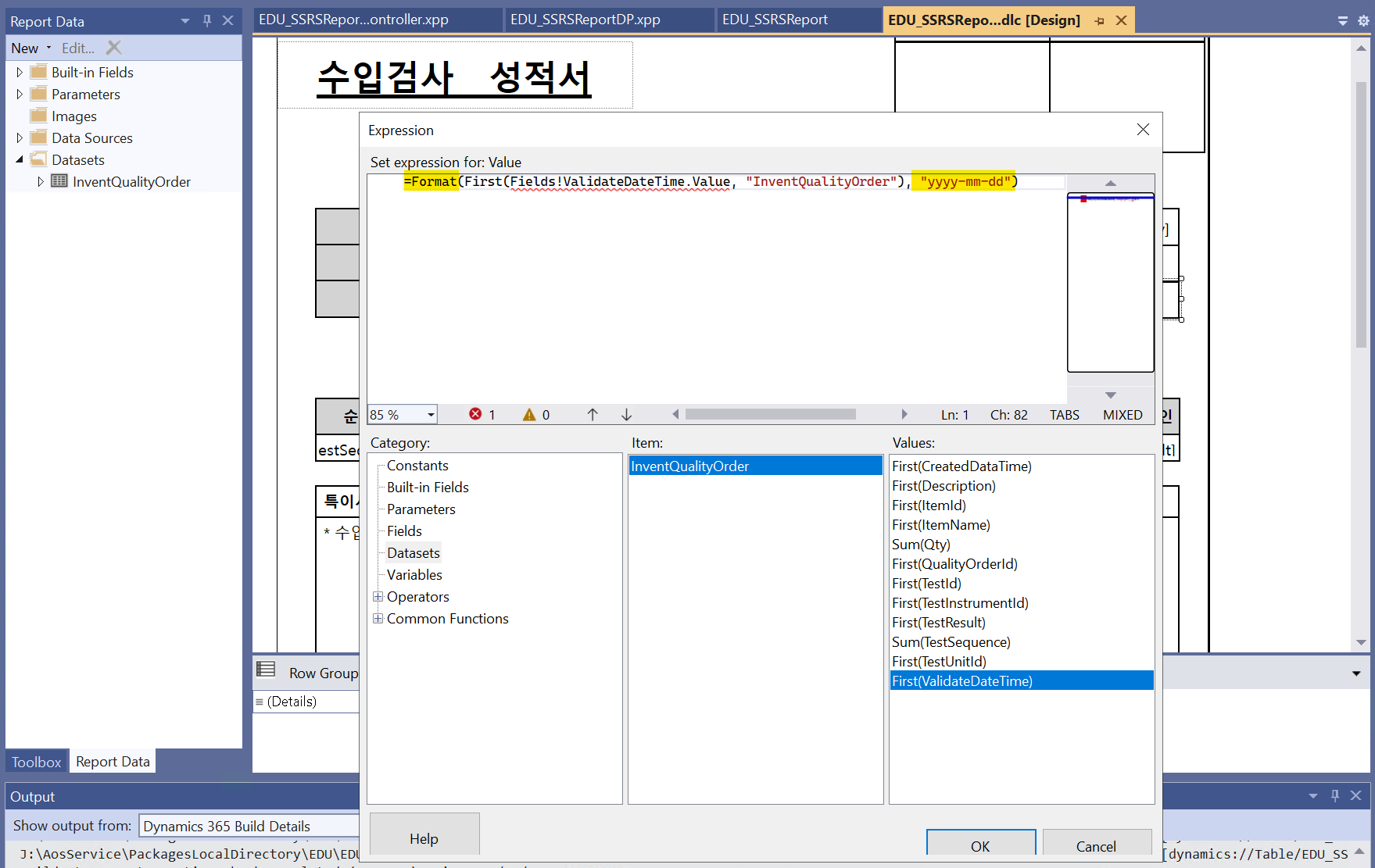
- Format(First(Fields!ValidateDateTime.Value, "InventQualityOrder"), "yyyy-mm-dd") Expression -> 날짜 형태 변경(3/1/2025 2:12:12 AM -> 2025-03-01)
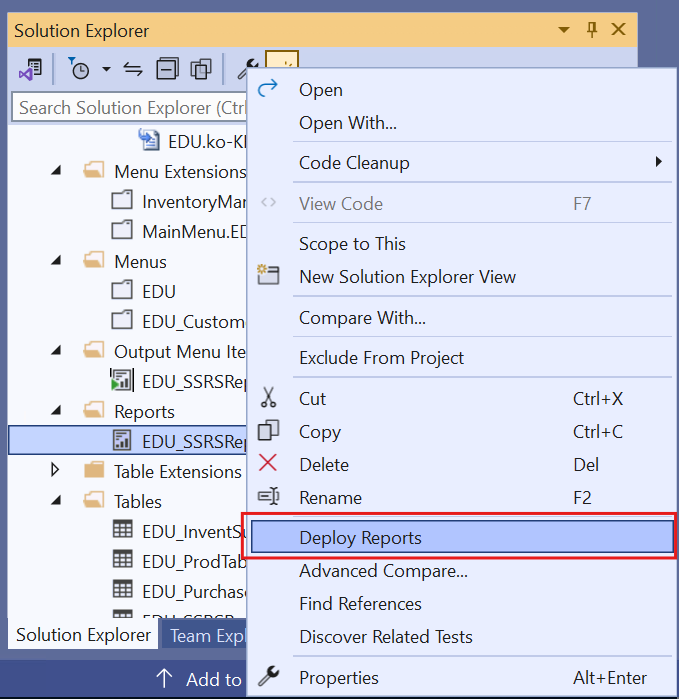
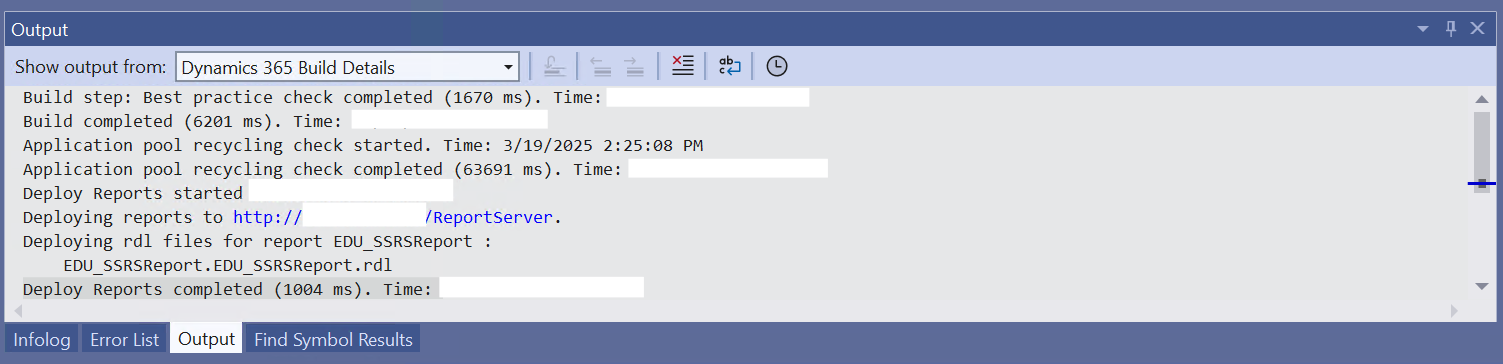
- Report 우클릭 > Deploy Report : 리포트 업데이트
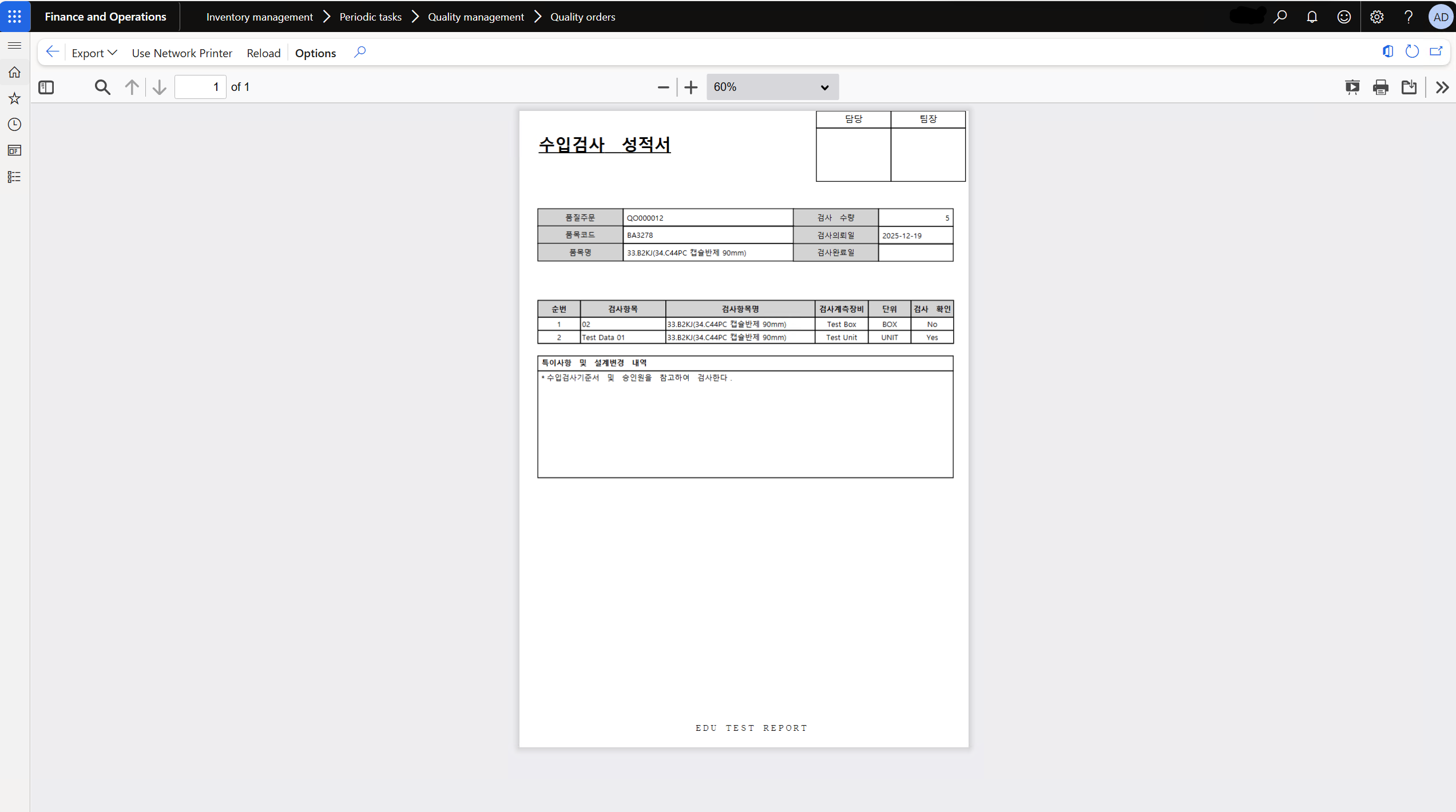
Result
'Dynamic365' 카테고리의 다른 글
| D365_VisualStudio | Memo Type, Header-Line Relation, Find() (2) | 2025.07.22 |
|---|---|
| D365_VisualStudio | SSRS(2) - Multi Select Report (0) | 2025.04.27 |
| D365_VisualStudio | 필드 Add-in&생산주문생성 (0) | 2025.04.15 |
| D365_VisualStudio | Temp Table(2) - Transaction, Filter (0) | 2025.03.15 |
| D365_VisualStudio | NumberSeq, Form 스타일 지정, Lookup, MessageBox (0) | 2025.03.02 |
'Dynamic365' Related Articles
more


